Patterns in practice
These are real screens from Space Works Events, built on Space Works UX and run with demo data. Each pattern links back to its number in the Space Works UX spec. Select any image to open it at full size.
App shell and sidebar (P1)
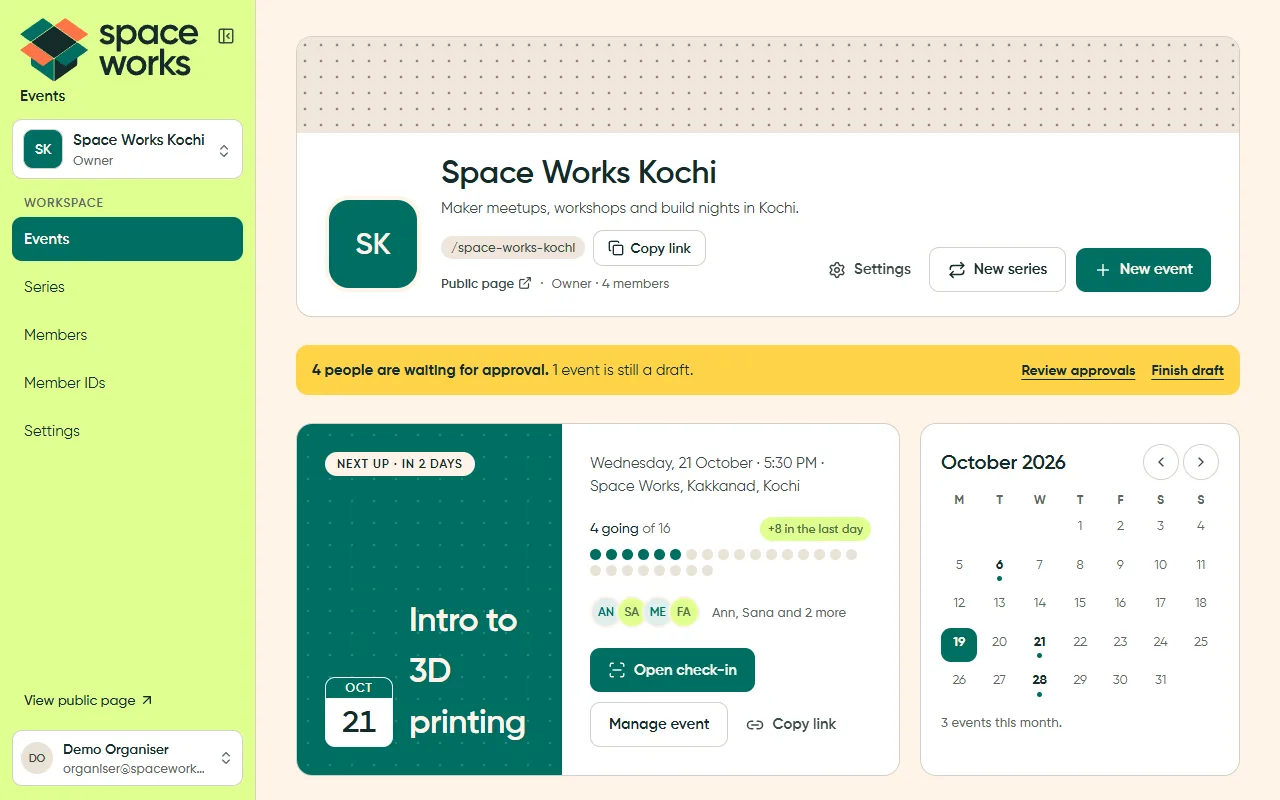
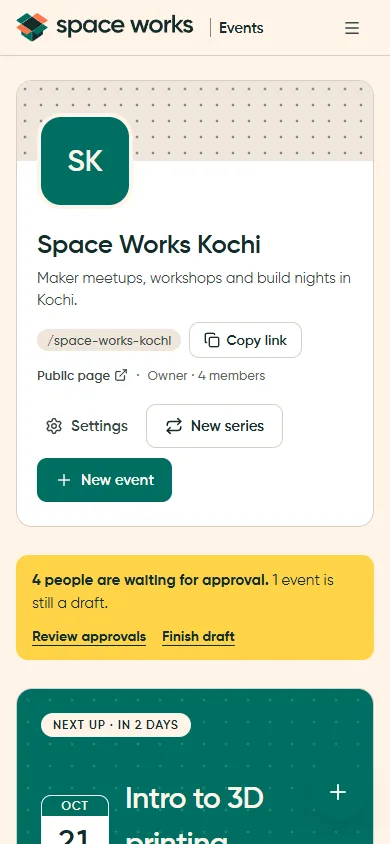
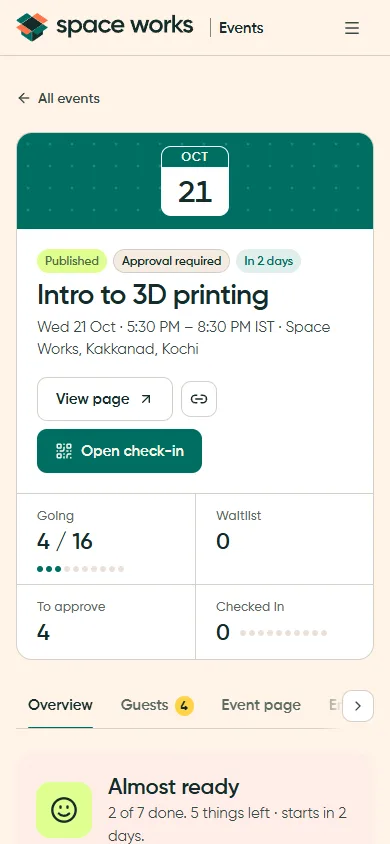
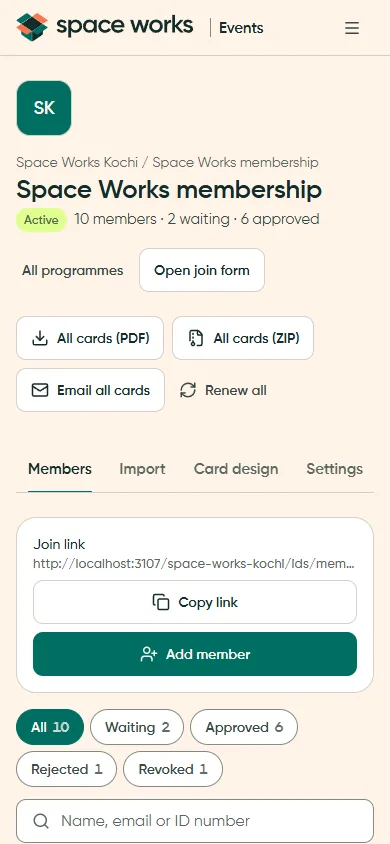
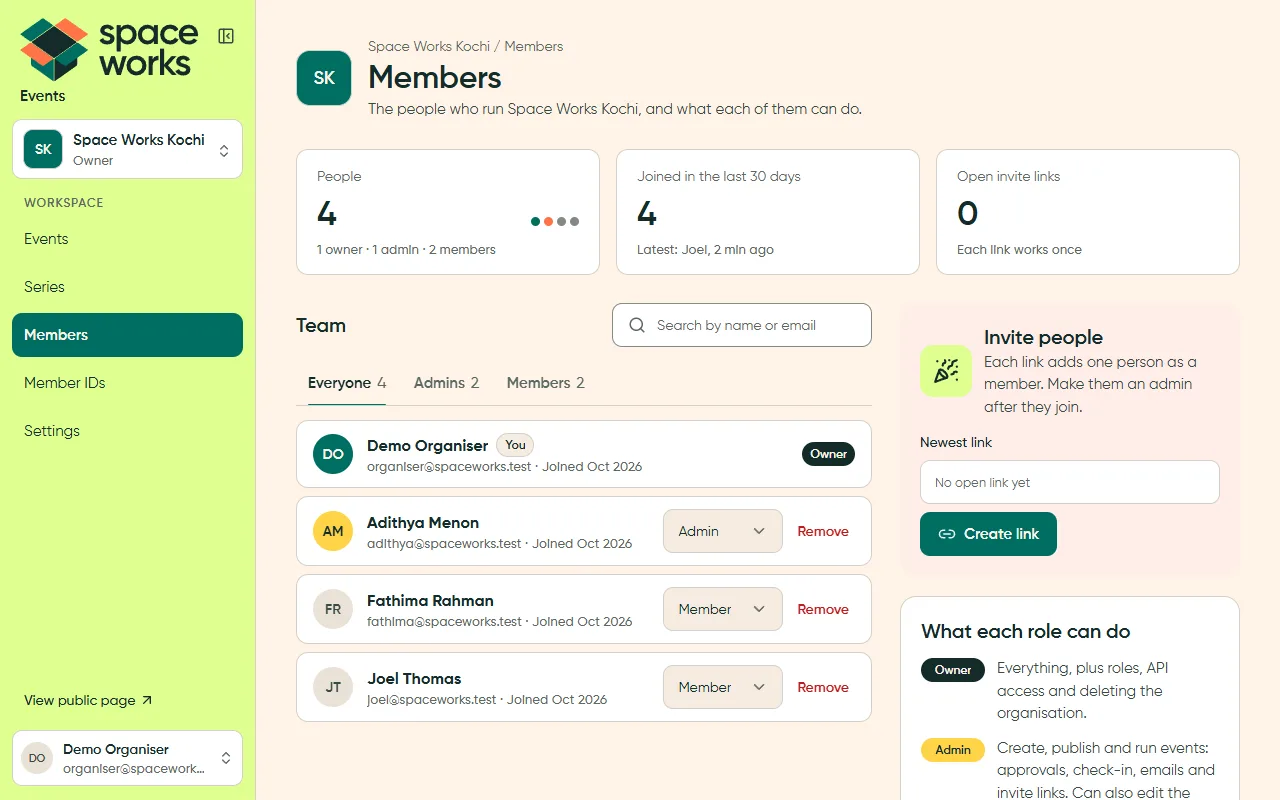
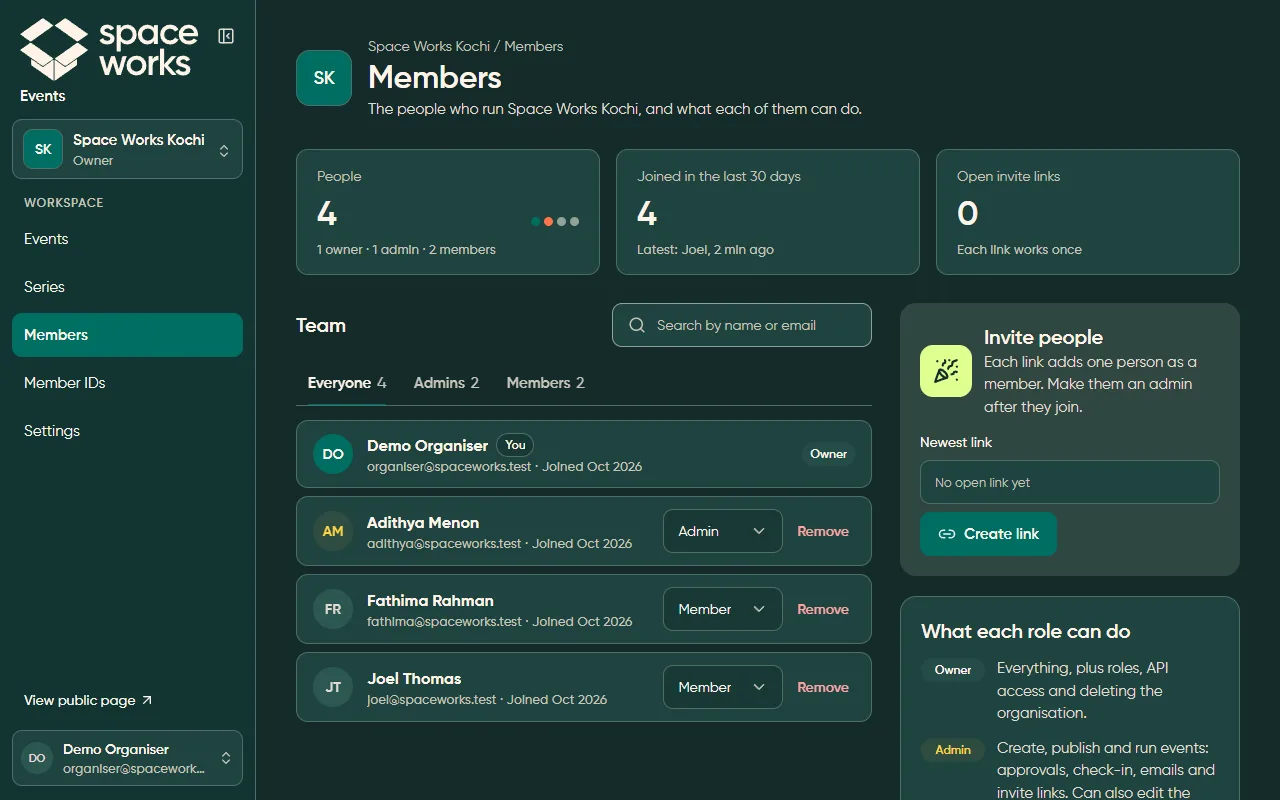
Section titled “App shell and sidebar (P1)”A Citron sidebar with the workspace switcher on top, a text-only nav with one filled active item, then “View public page ↗” and the account chip at the bottom. On a phone it folds into a top bar and sheet.
Page header, callout and stats (P2, P4, P5)
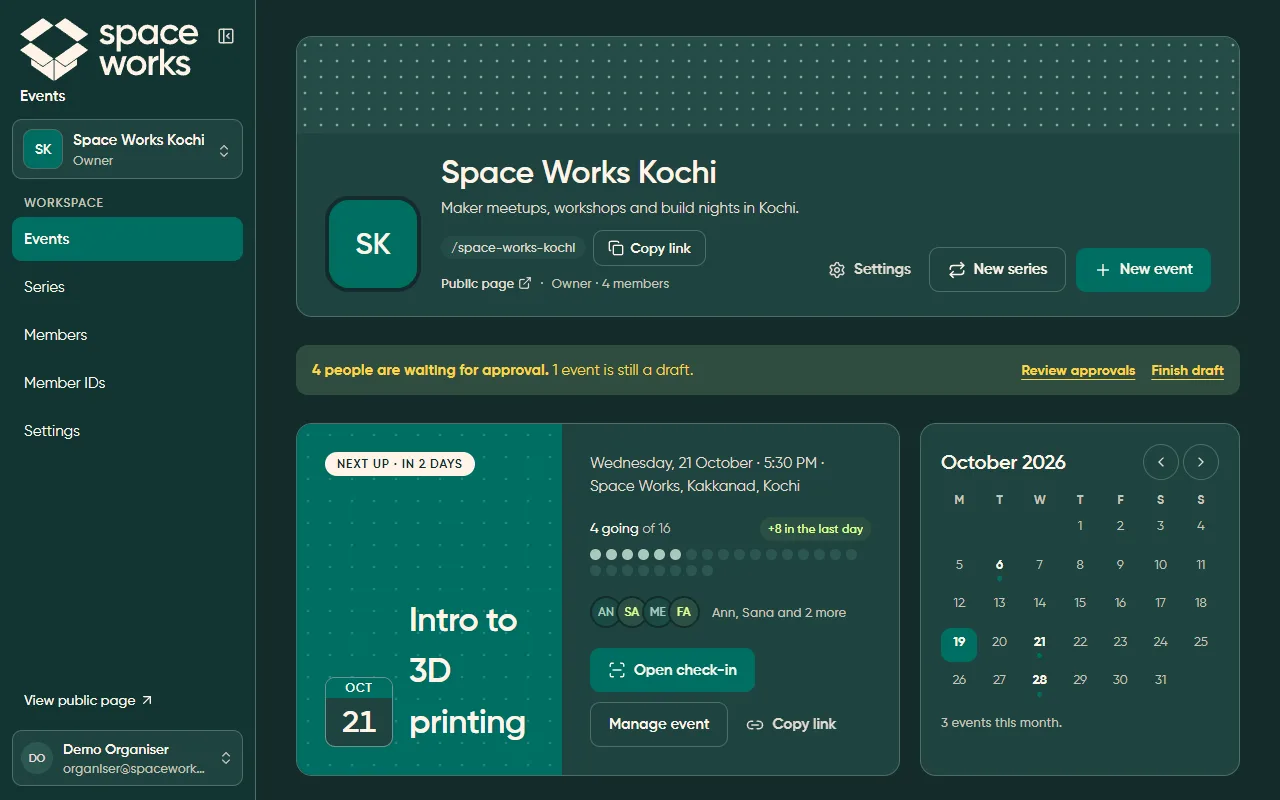
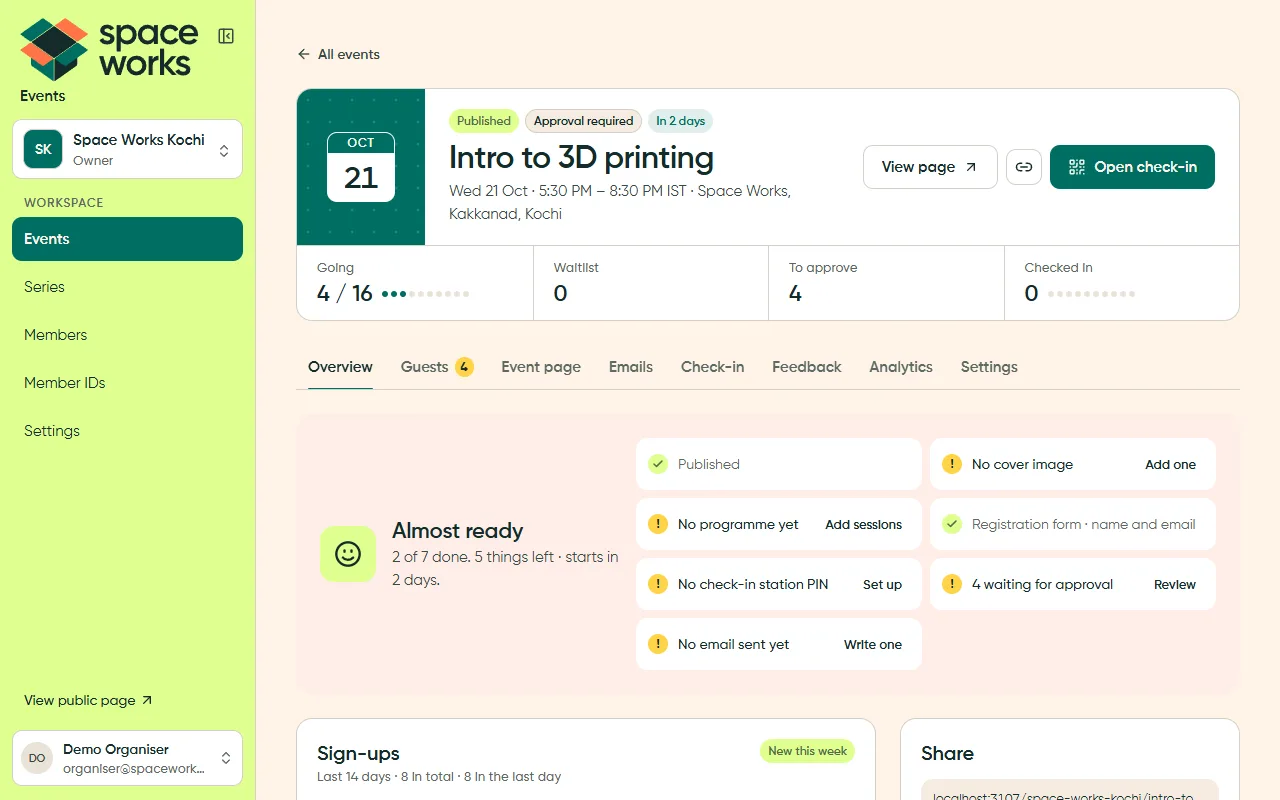
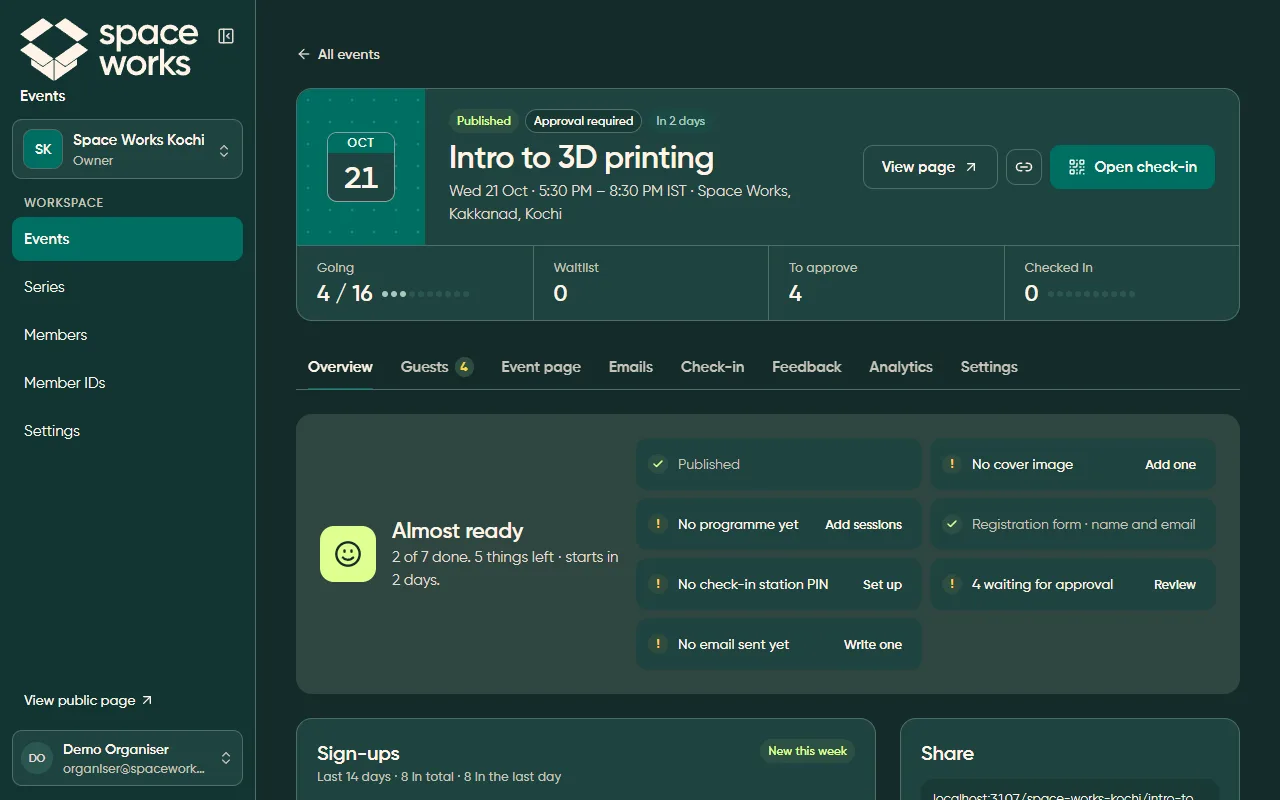
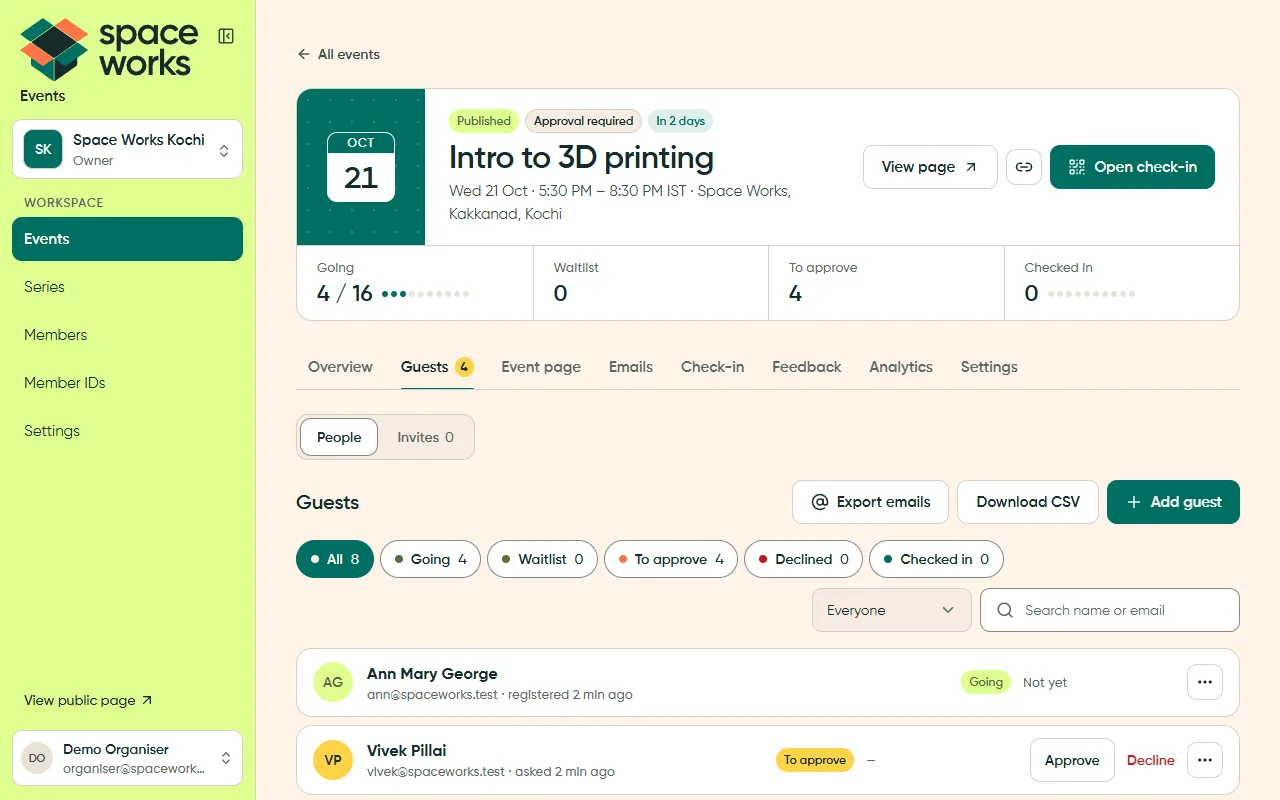
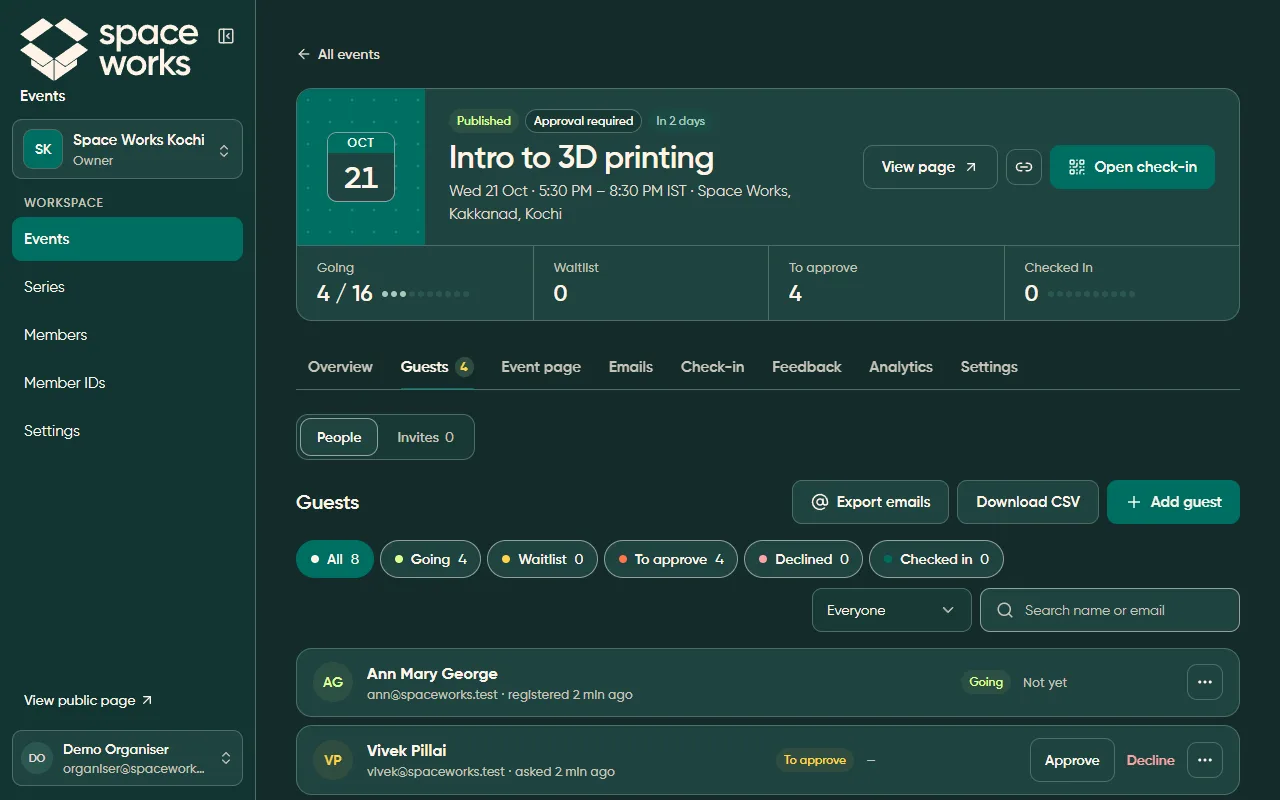
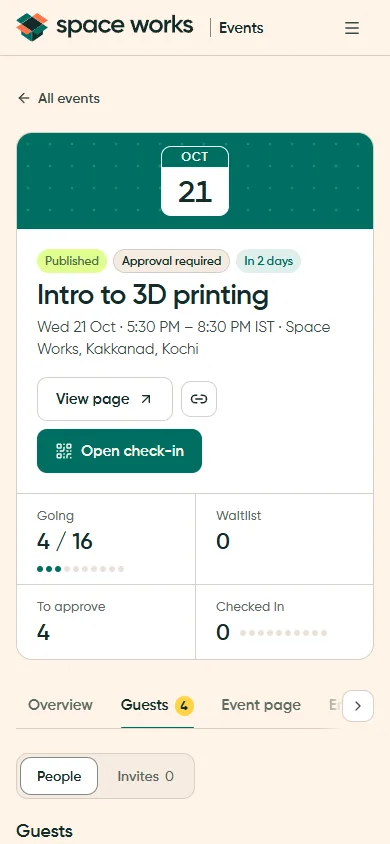
Section titled “Page header, callout and stats (P2, P4, P5)”One identity block per page: name, meta and at most one filled primary action. A contextual callout carries the next step, and stat cards show real numbers.
Lists with filter chips and bulk actions (P6, P8, P10)
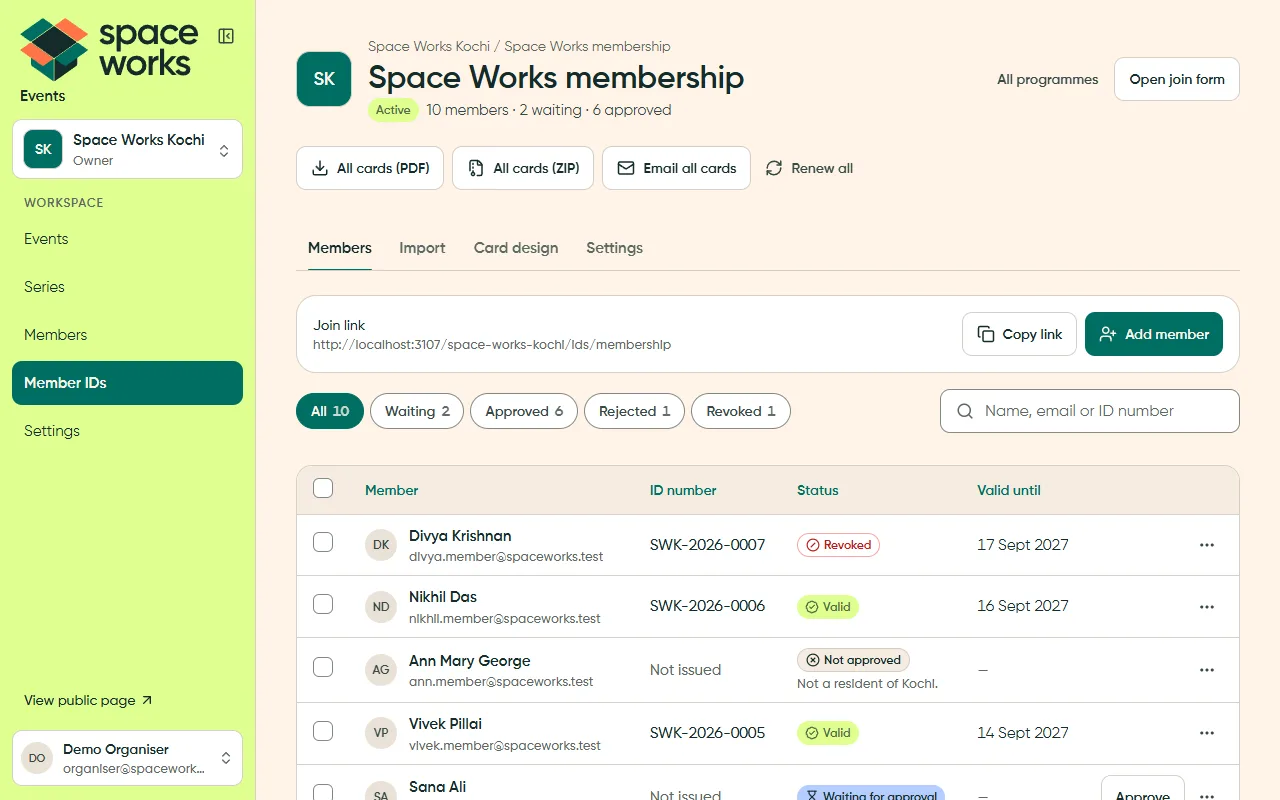
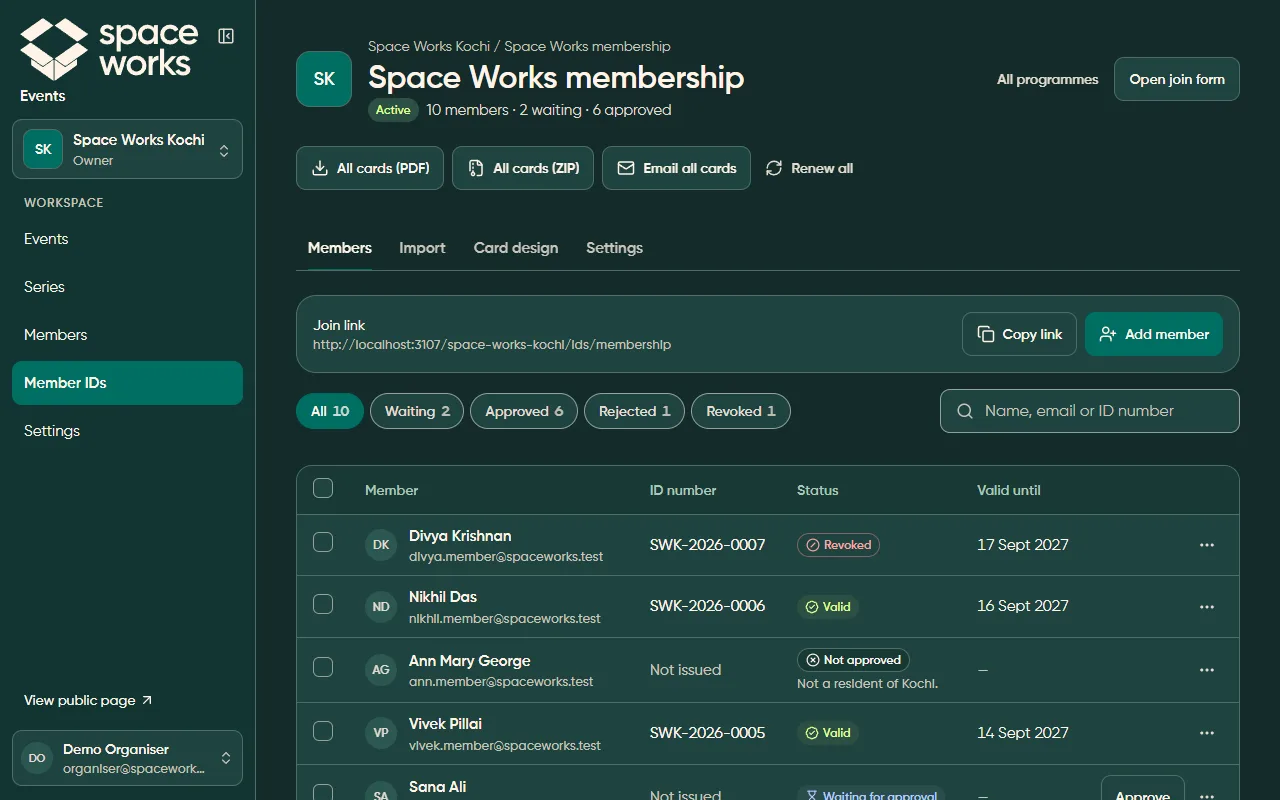
Section titled “Lists with filter chips and bulk actions (P6, P8, P10)”Filter chips carry their counts. Selecting rows turns on the bulk bar. Every status is a word in a pill, never colour alone.
Tables inside a card (P14)
Section titled “Tables inside a card (P14)”Dense data keeps the card chrome: a bordered card, sentence-case column labels and a hairline between rows.
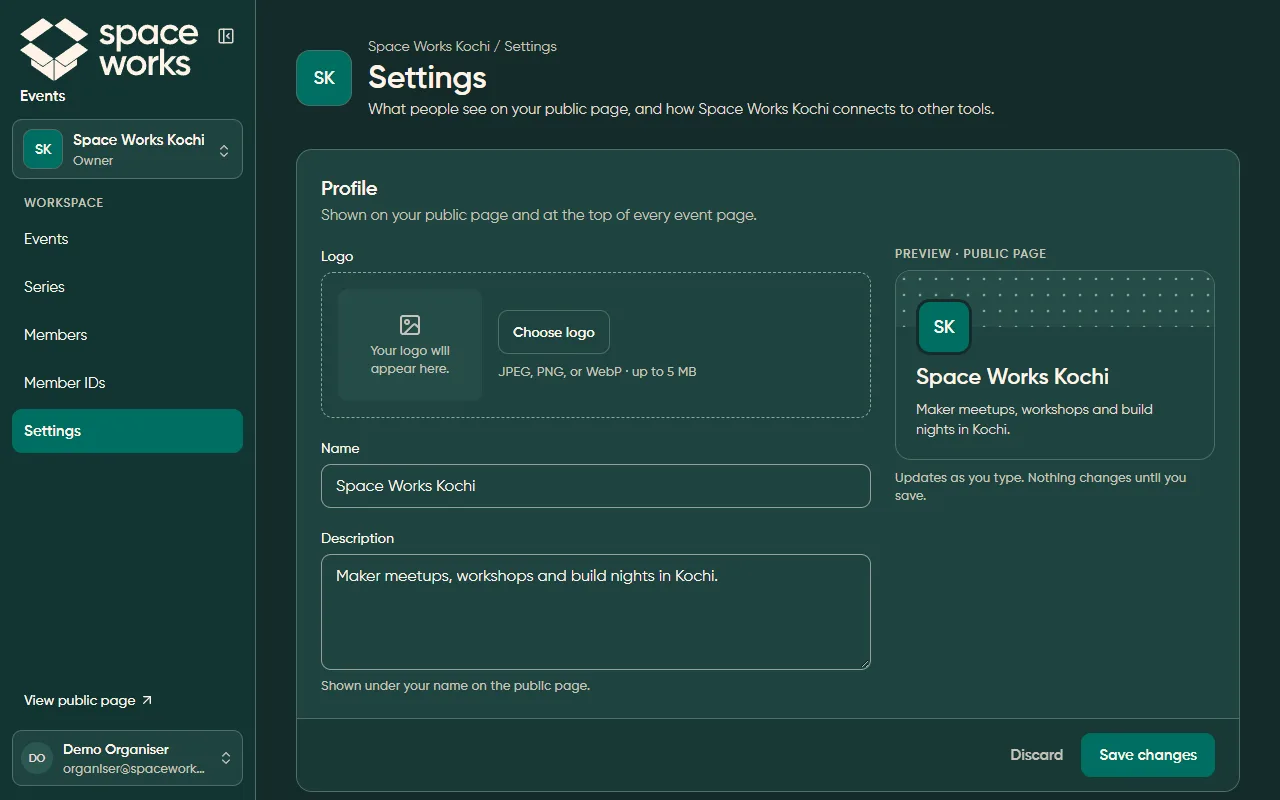
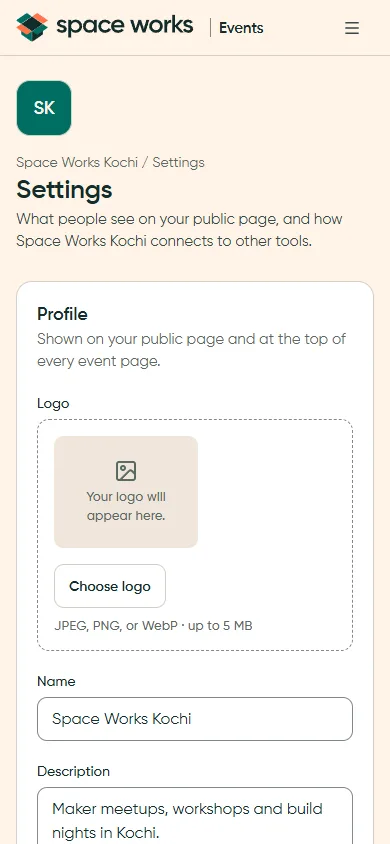
Settings rows, live preview and sticky save (P15, P16)
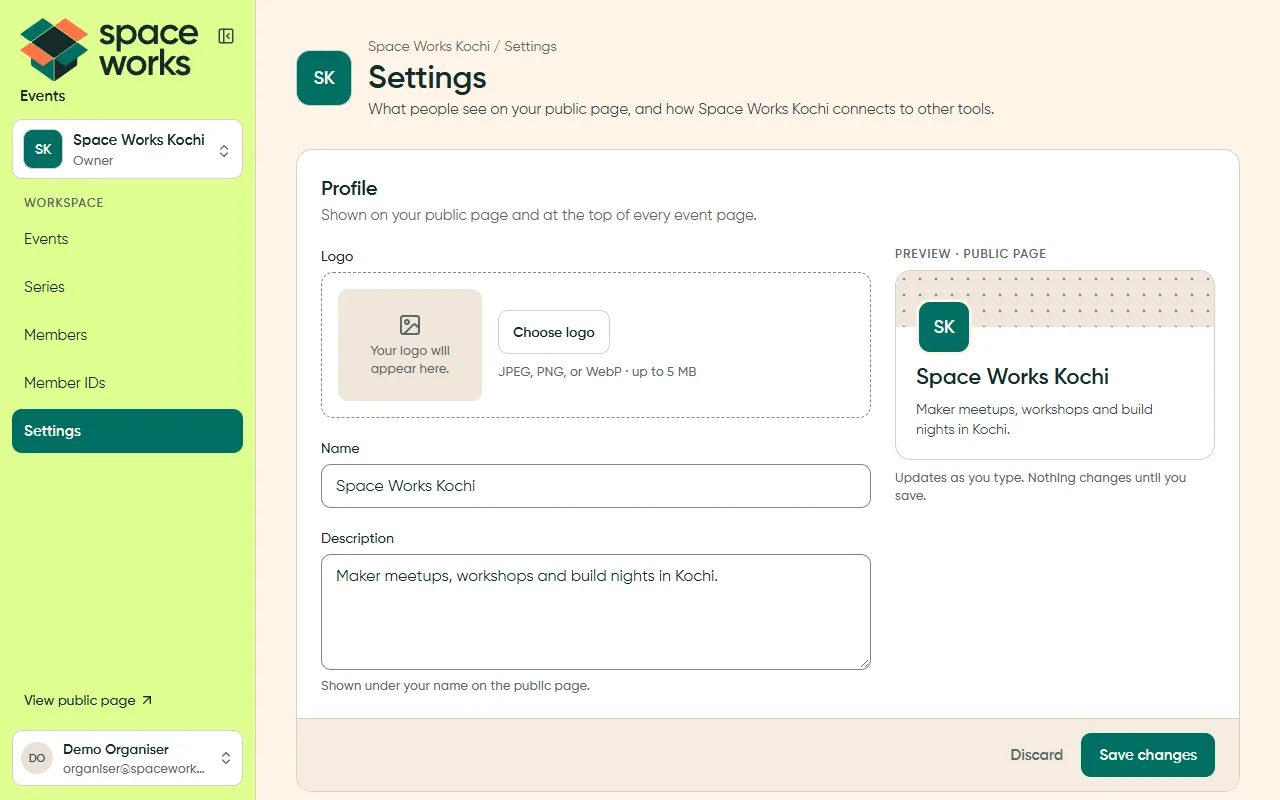
Section titled “Settings rows, live preview and sticky save (P15, P16)”Settings are labelled rows with helper text beside each field. Changes collect in a sticky Discard / Save bar, and the danger zone sits at the very end.
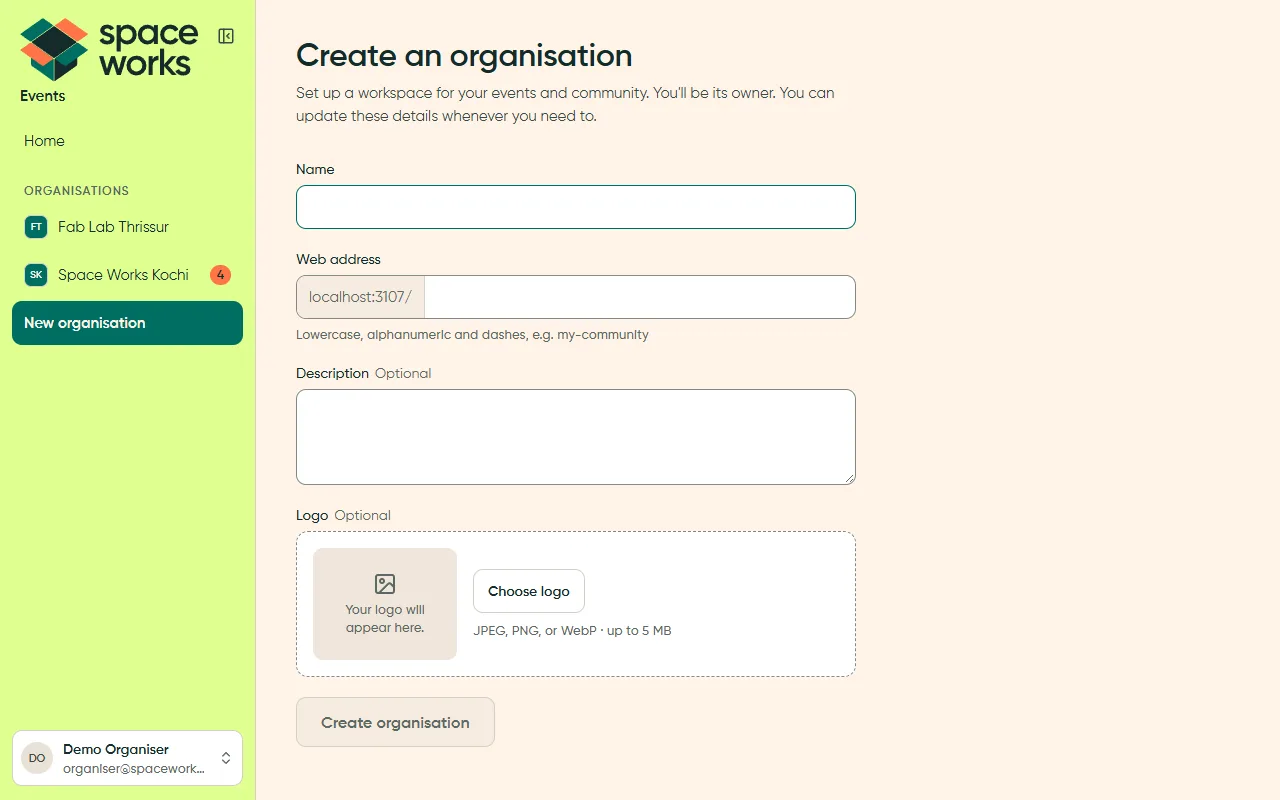
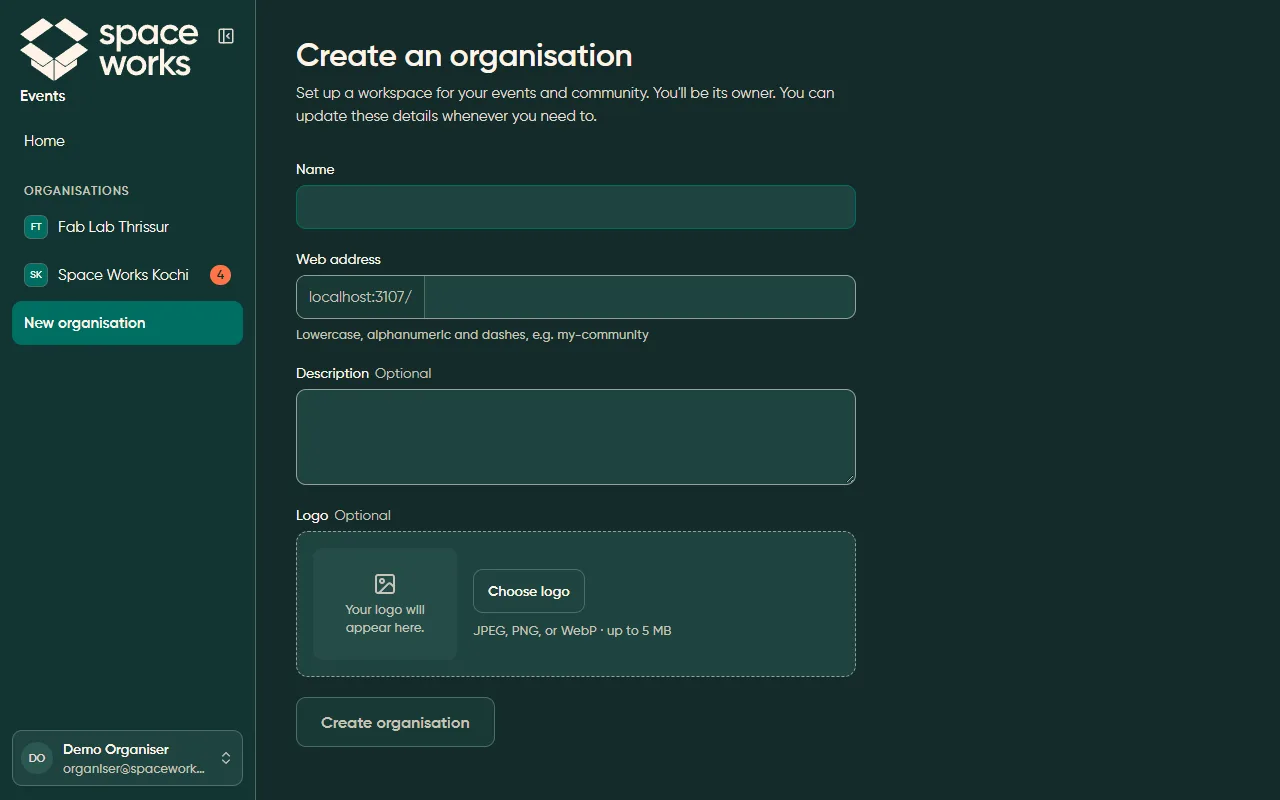
Create with a live preview (P18)
Section titled “Create with a live preview (P18)”Create forms stay short, mark optional fields inline, and check the web address as you type.
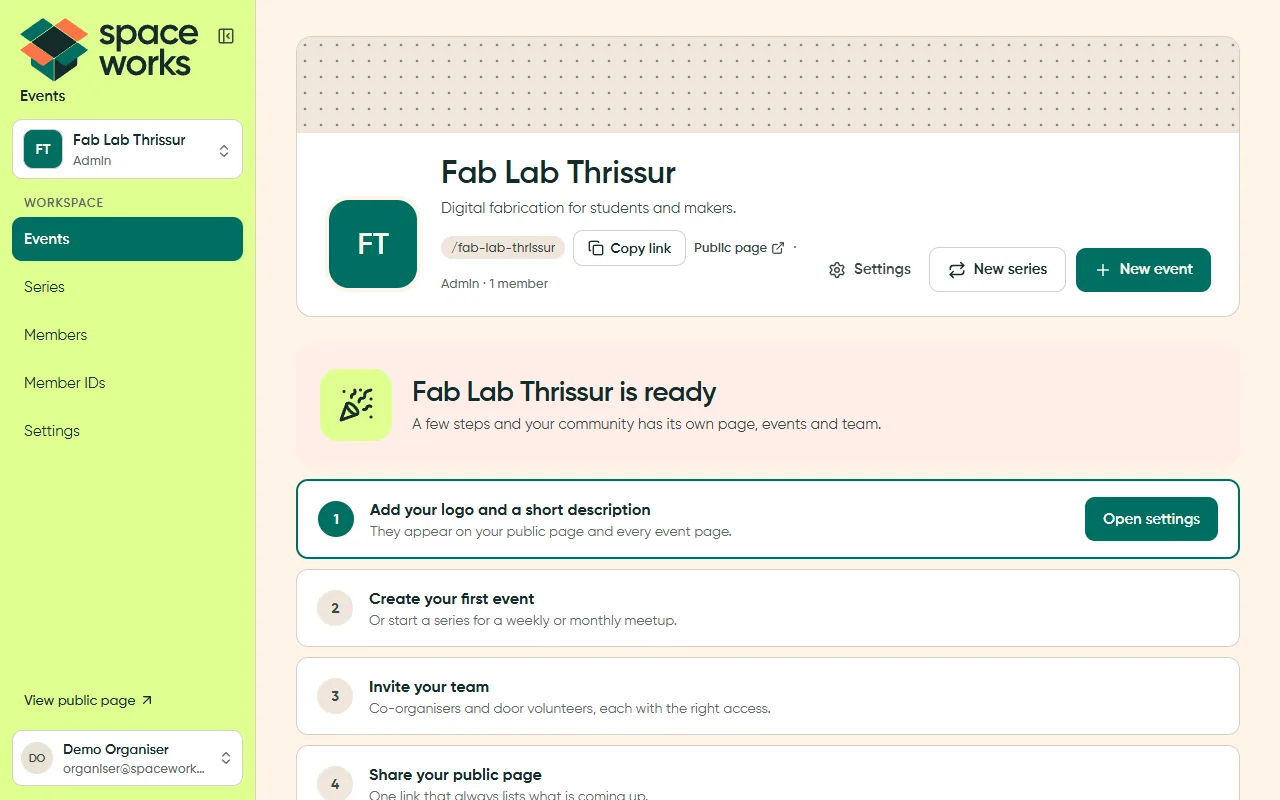
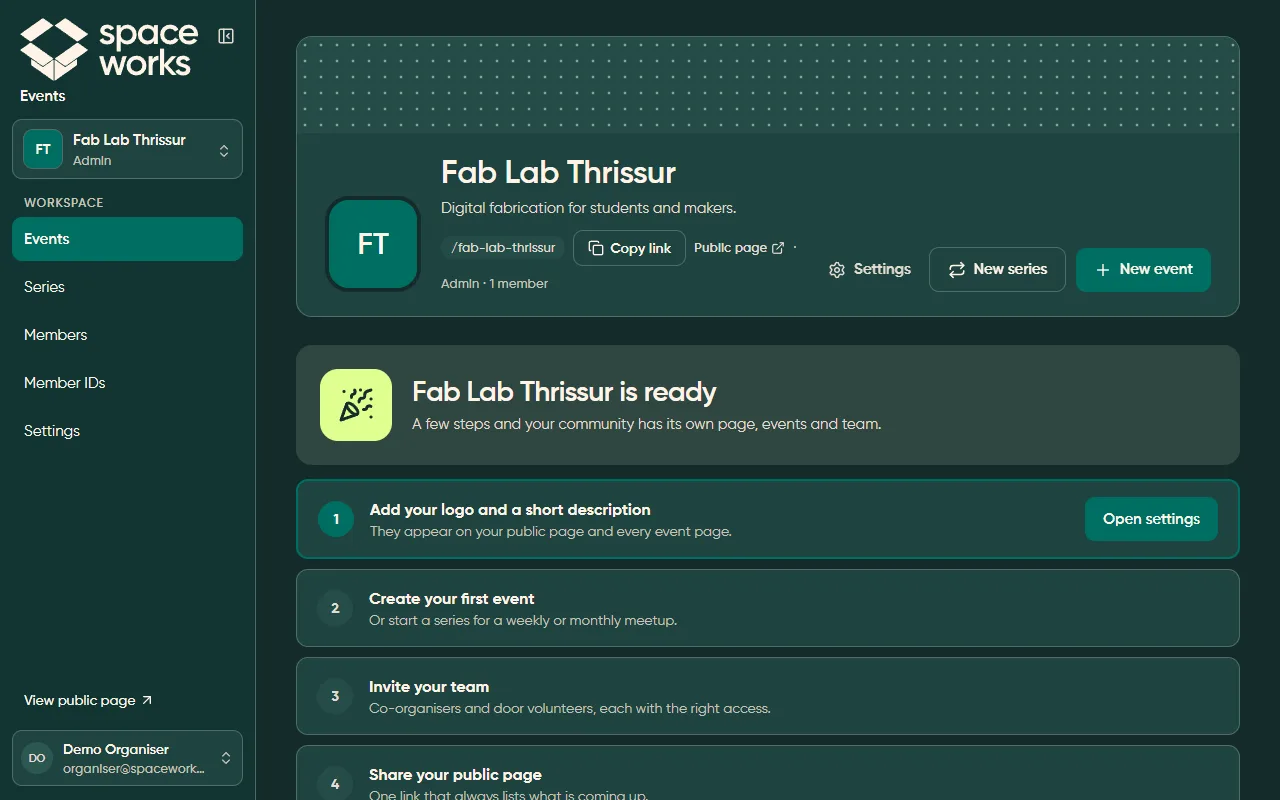
Empty states and first-run (P17)
Section titled “Empty states and first-run (P17)”An empty workspace never just says “nothing here”. It names the next step, and the first-run checklist shows only one call to action at a time.
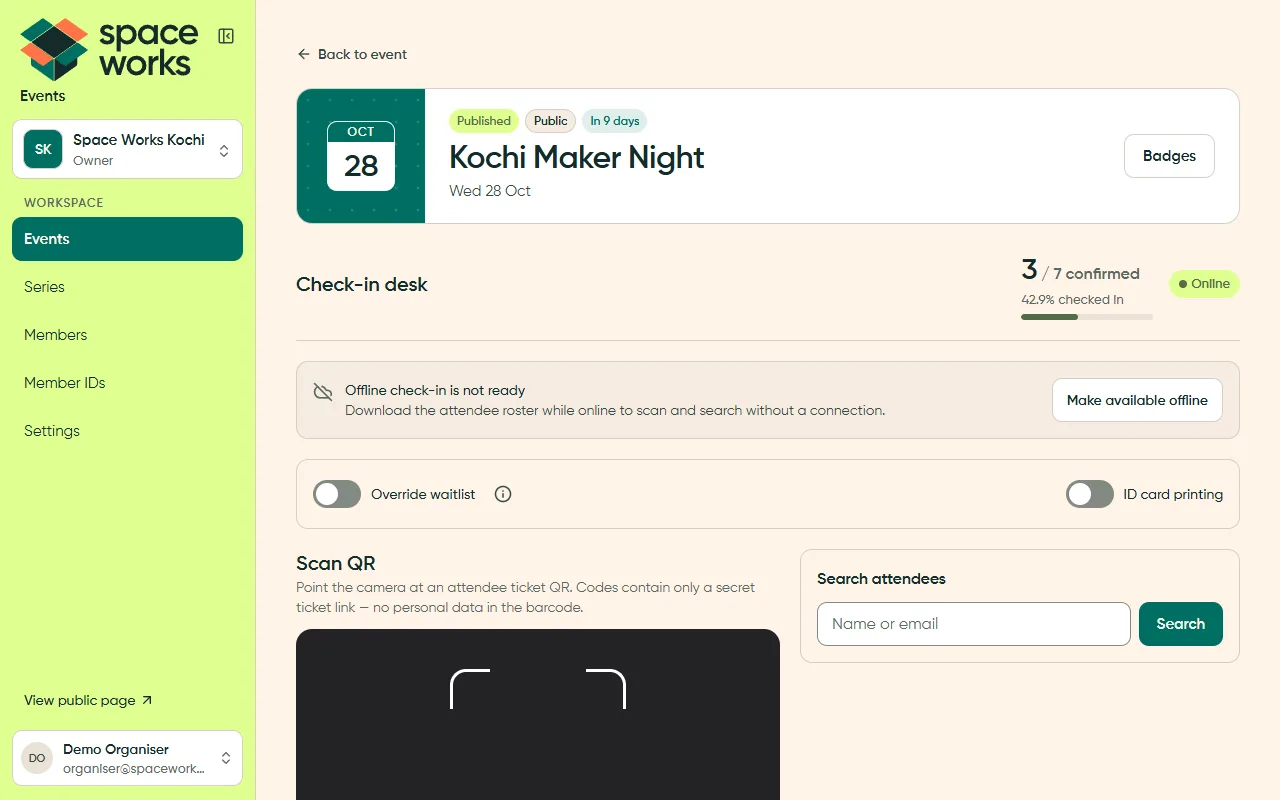
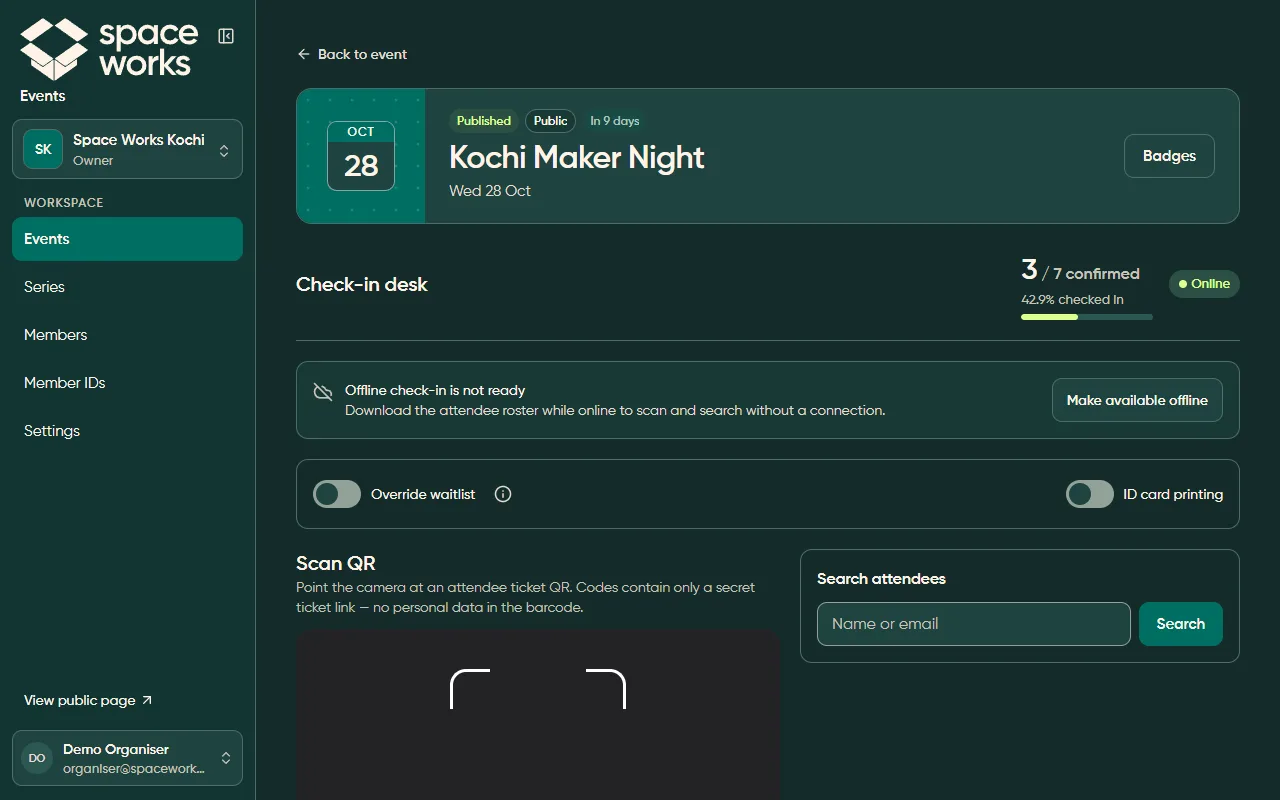
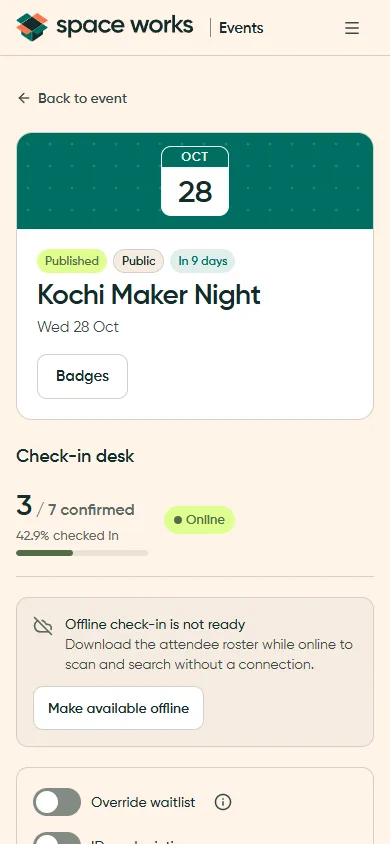
Work in a focused flow (P21, P30)
Section titled “Work in a focused flow (P21, P30)”High-frequency work gets its own focused surface: the scanner, search, live progress and an offline callout. Reversible actions offer Undo in place instead of asking “Are you sure?”.
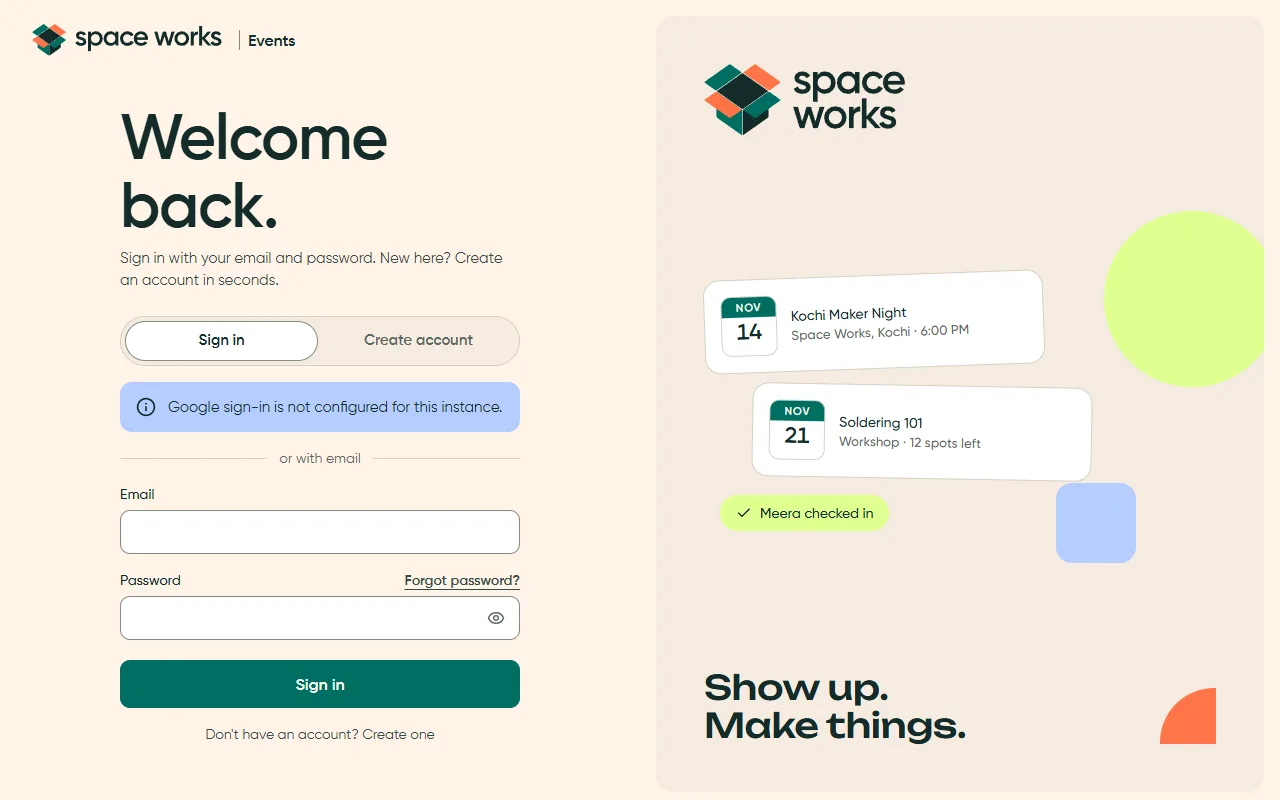
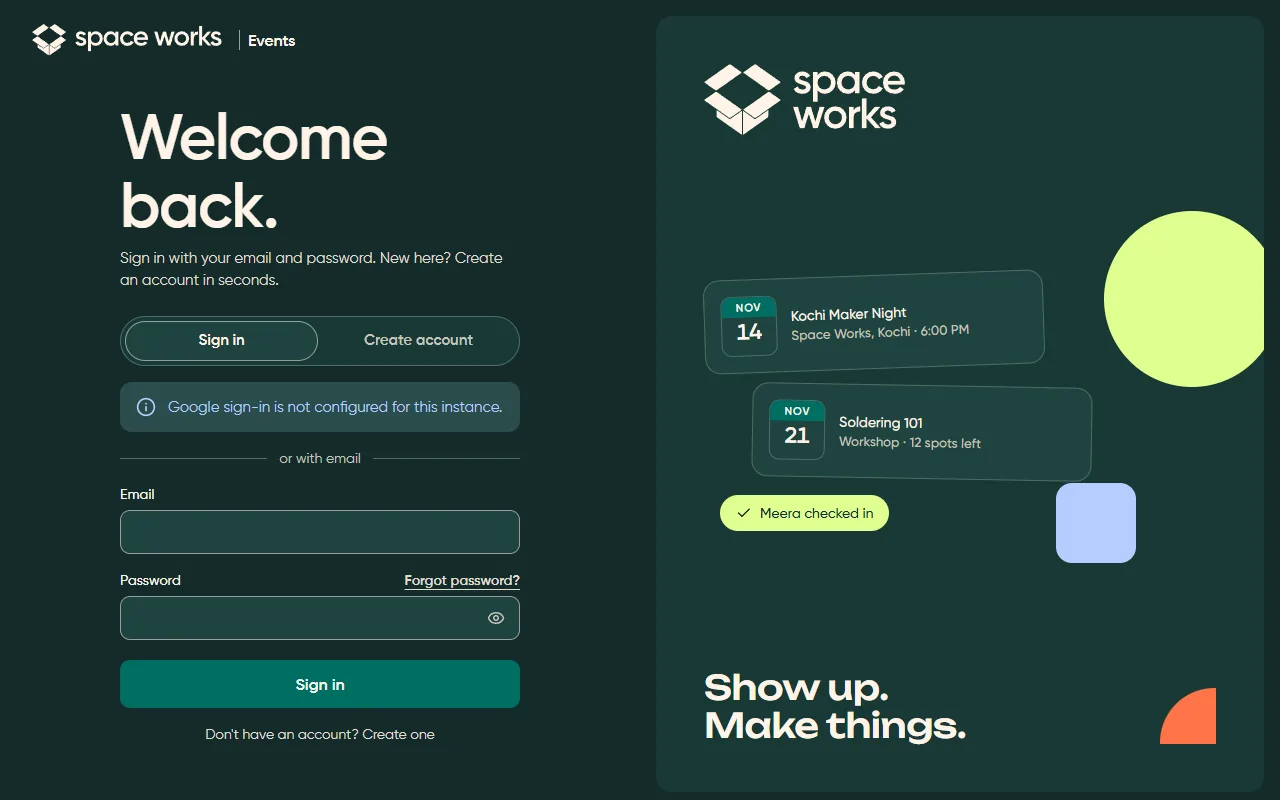
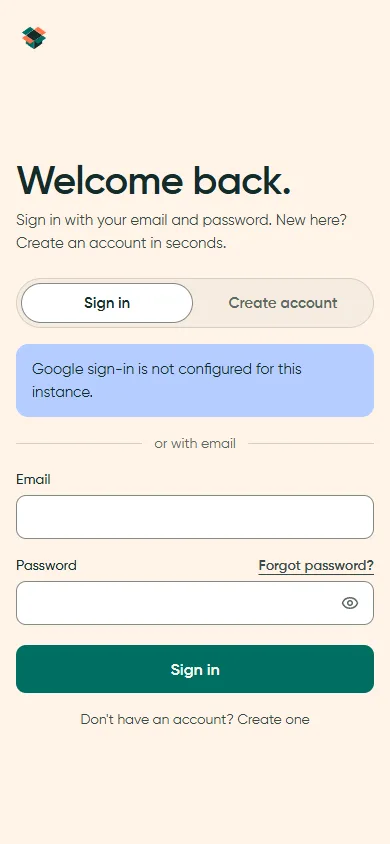
Auth split screen and centred task card (P22, P23)
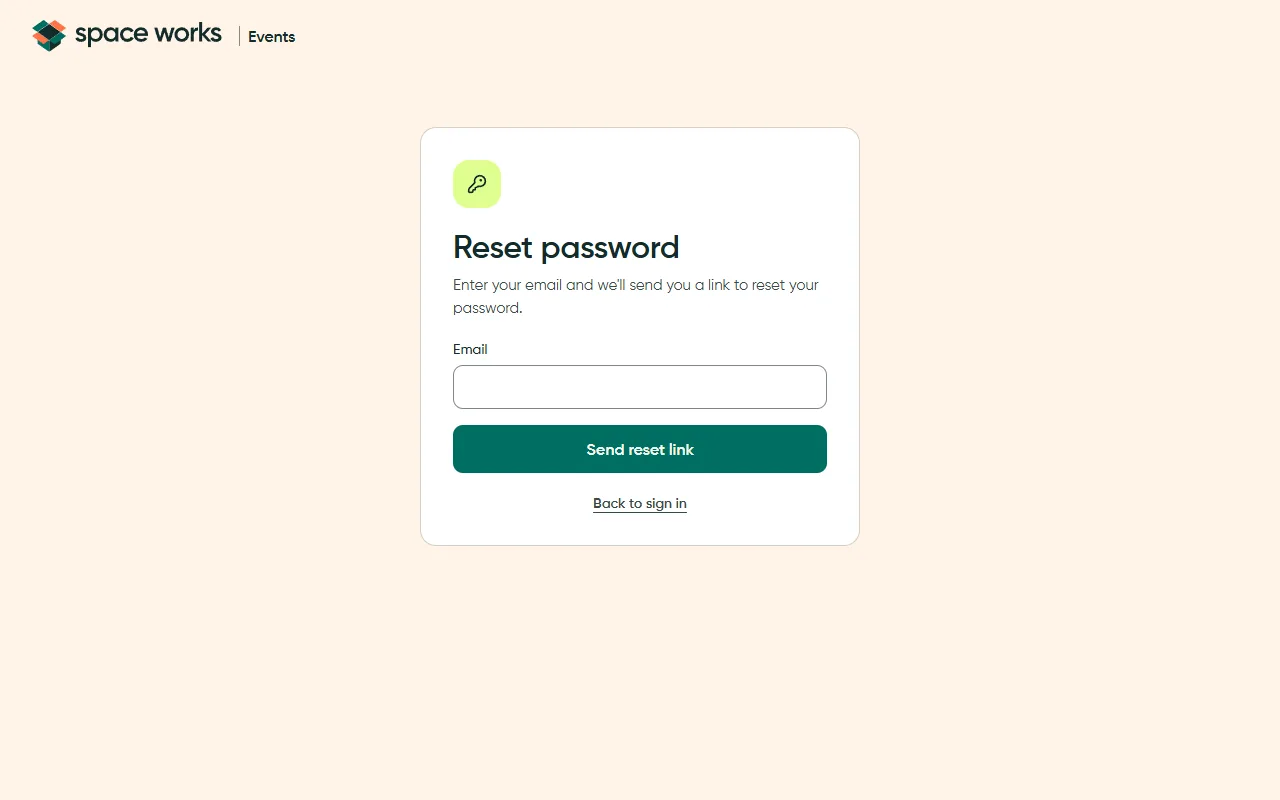
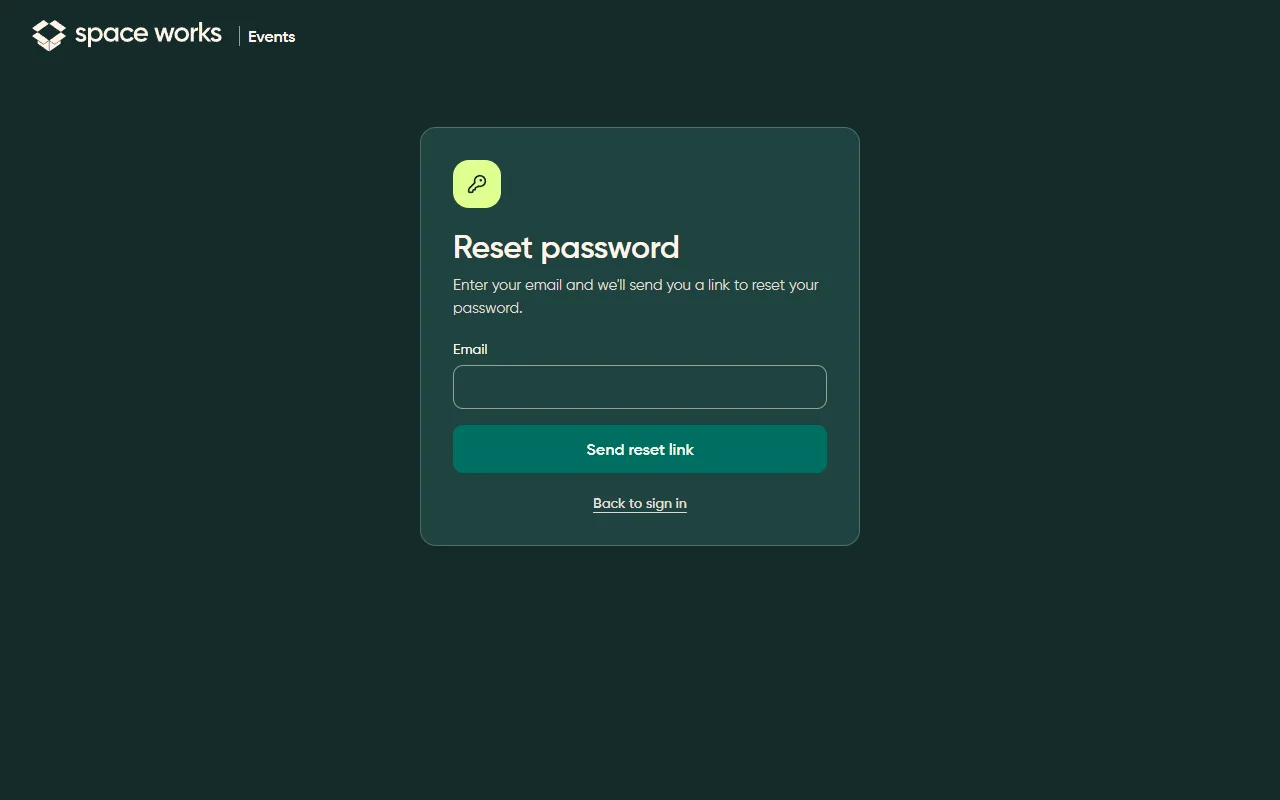
Section titled “Auth split screen and centred task card (P22, P23)”Sign-in is a split screen: the form on one side, one bold brand moment on the other. Single tasks, like resetting a password, get one centred card.
Account (P24)
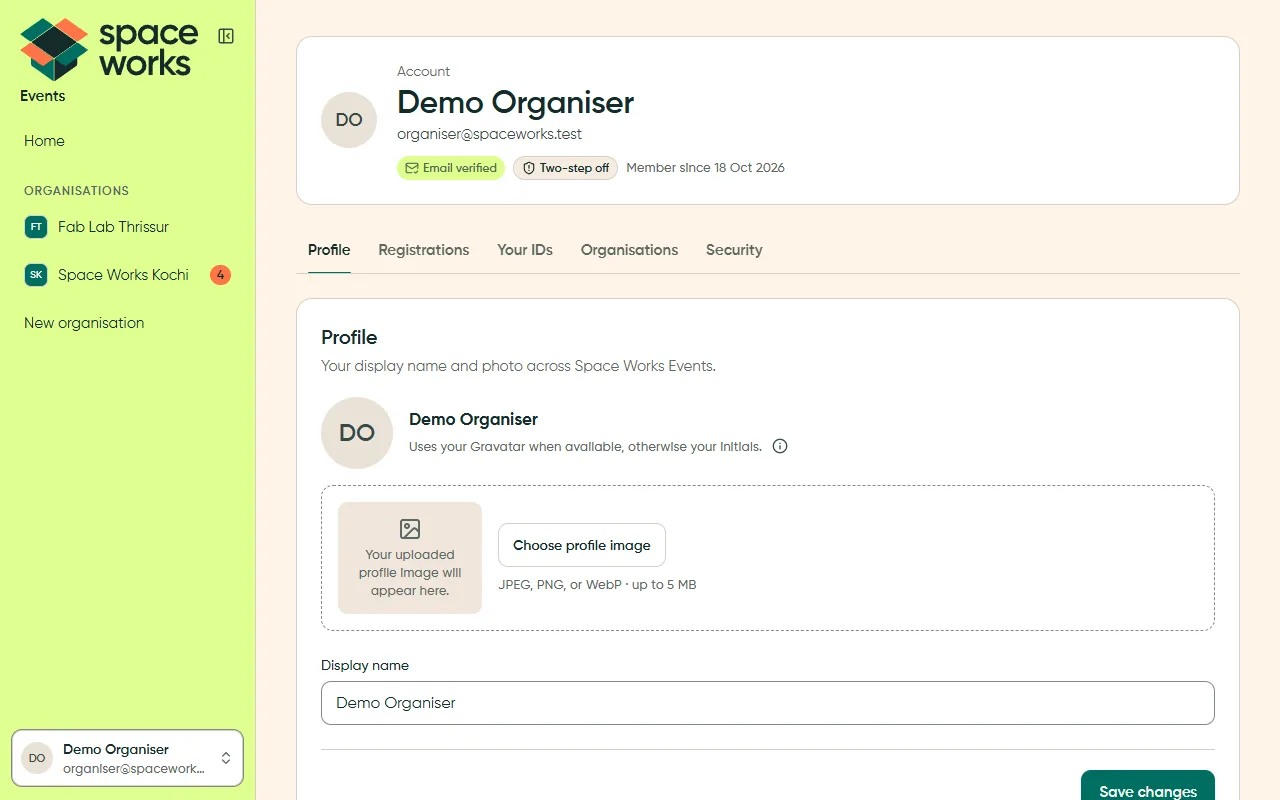
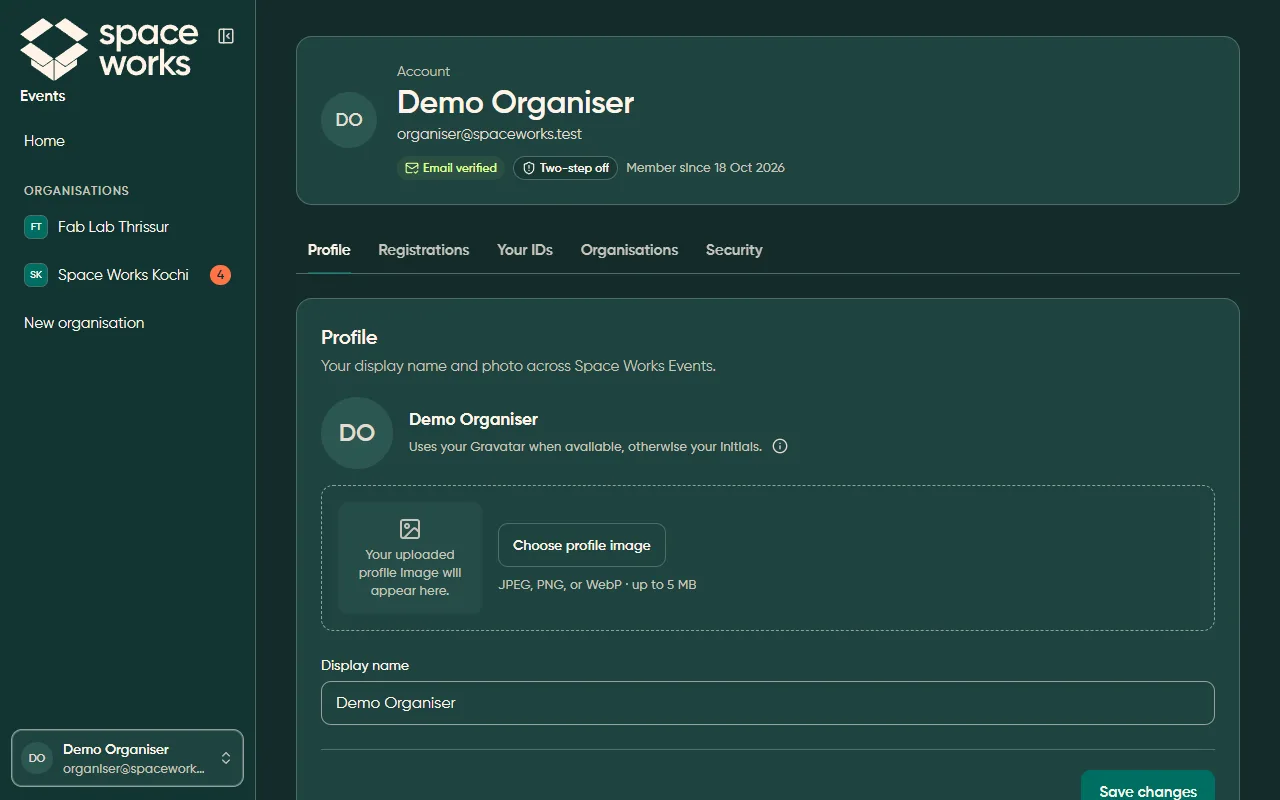
Section titled “Account (P24)”One header card with the person and their verification chips, then tabs, each a column of cards.
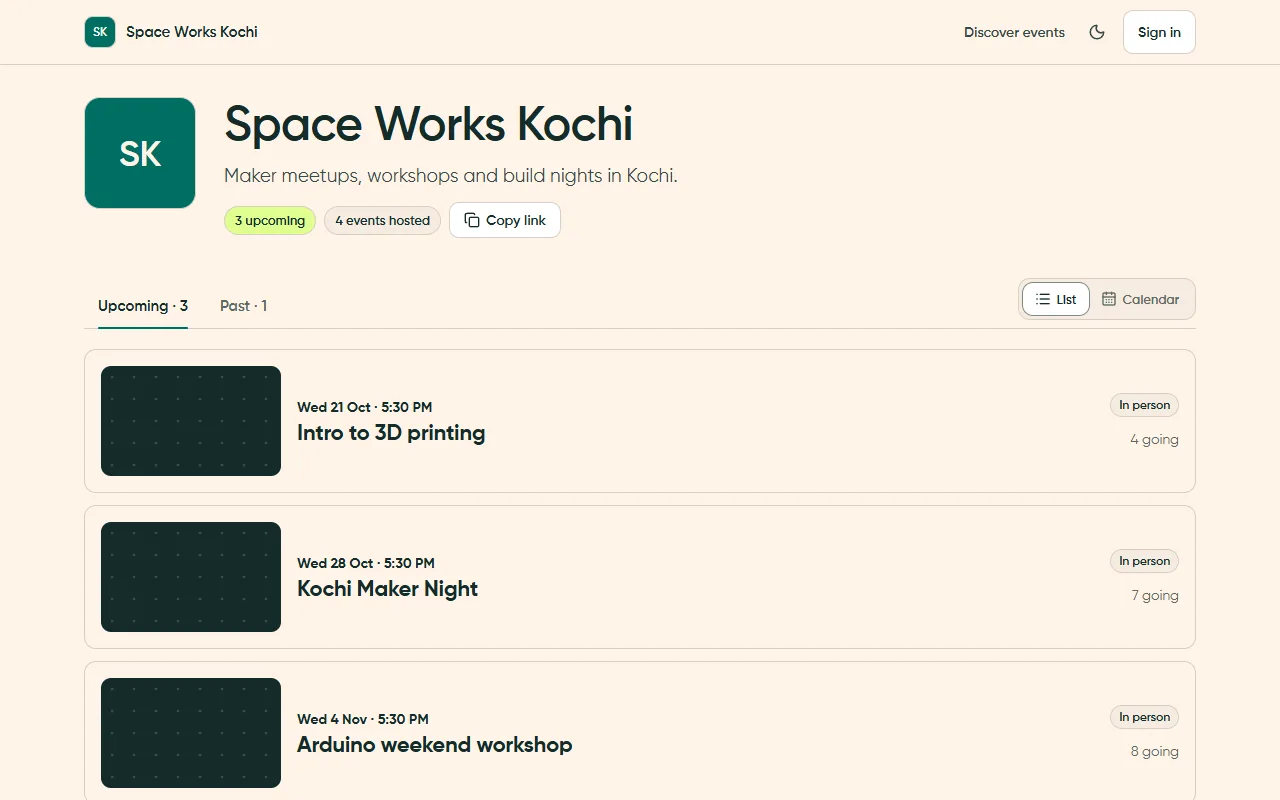
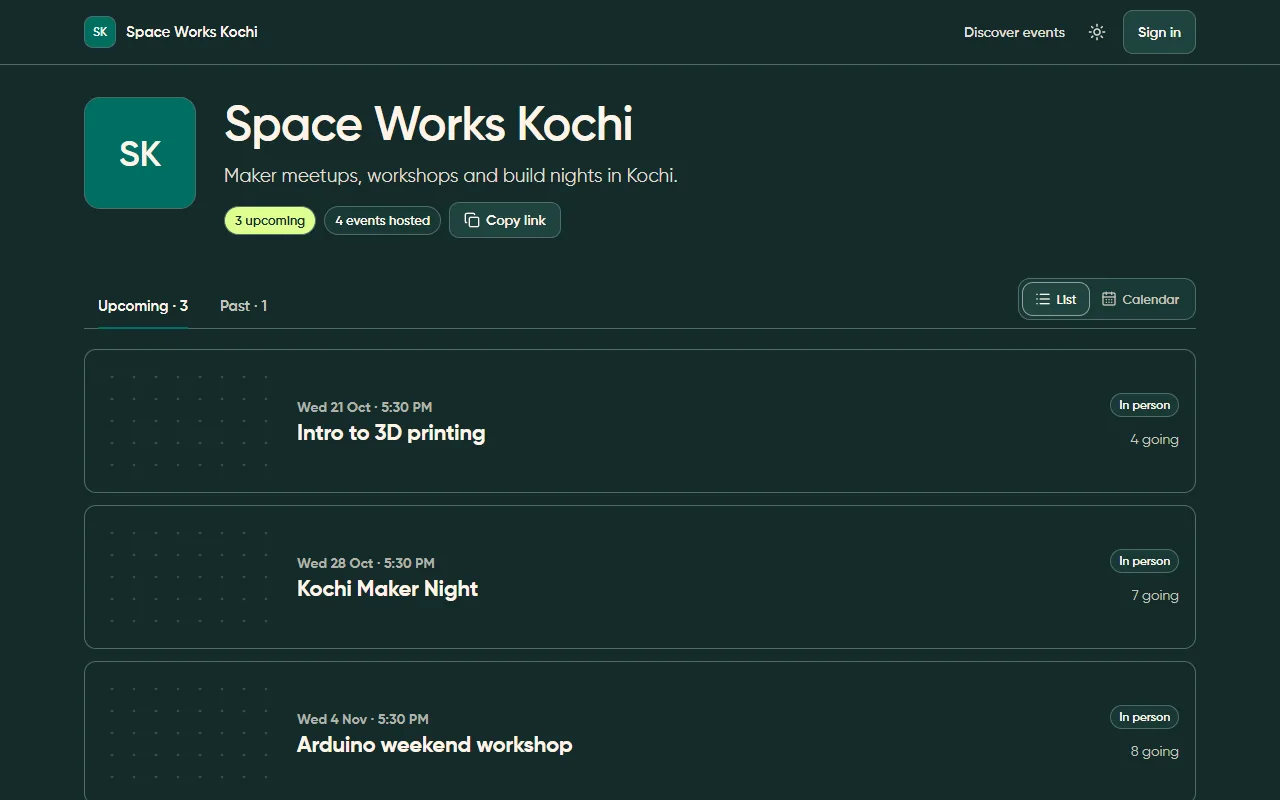
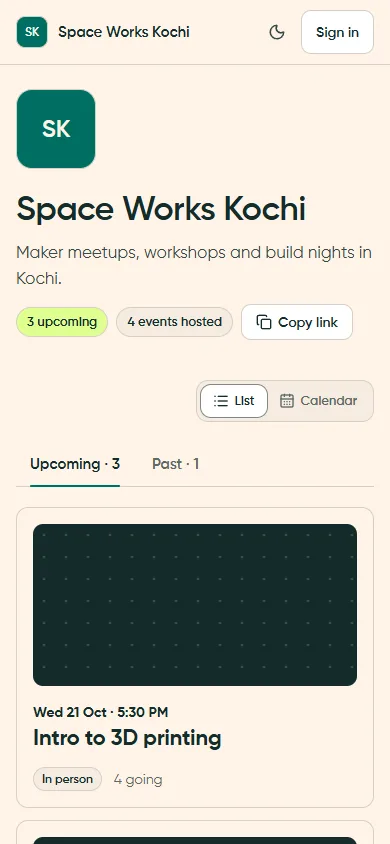
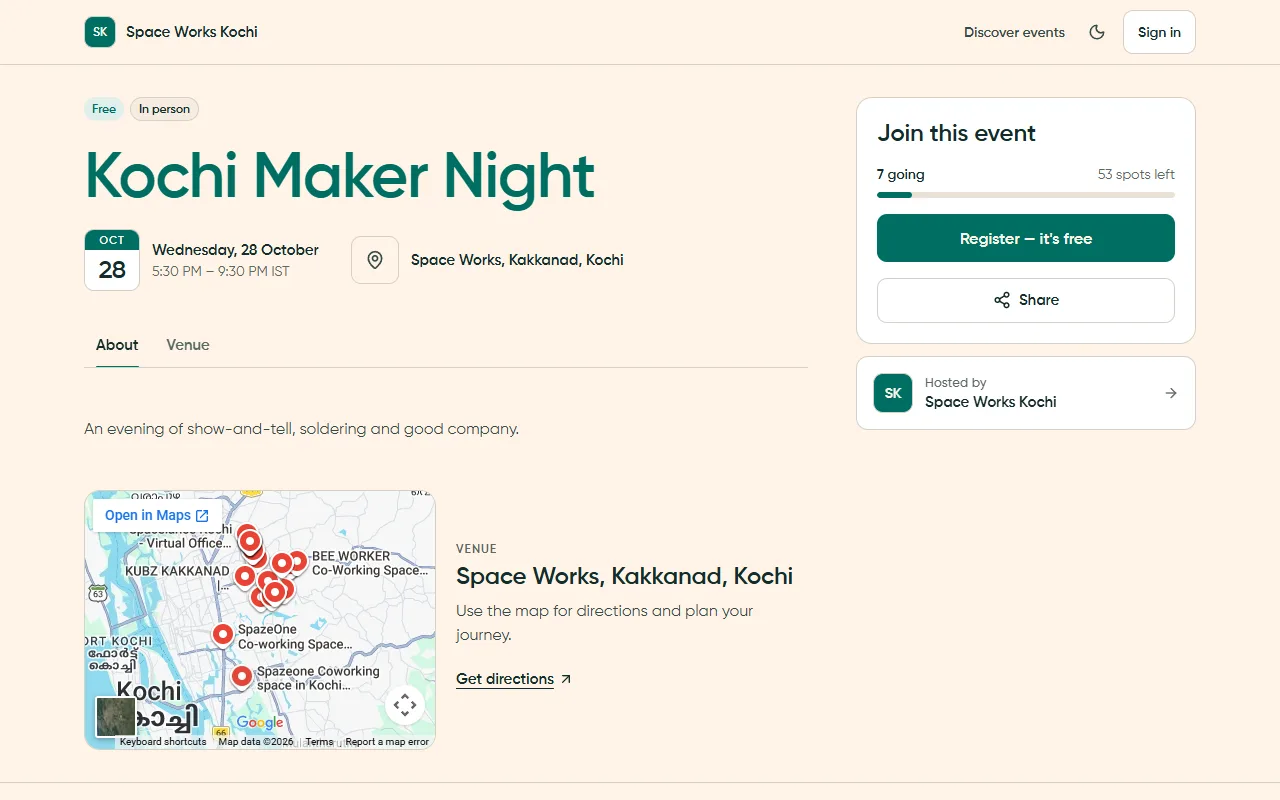
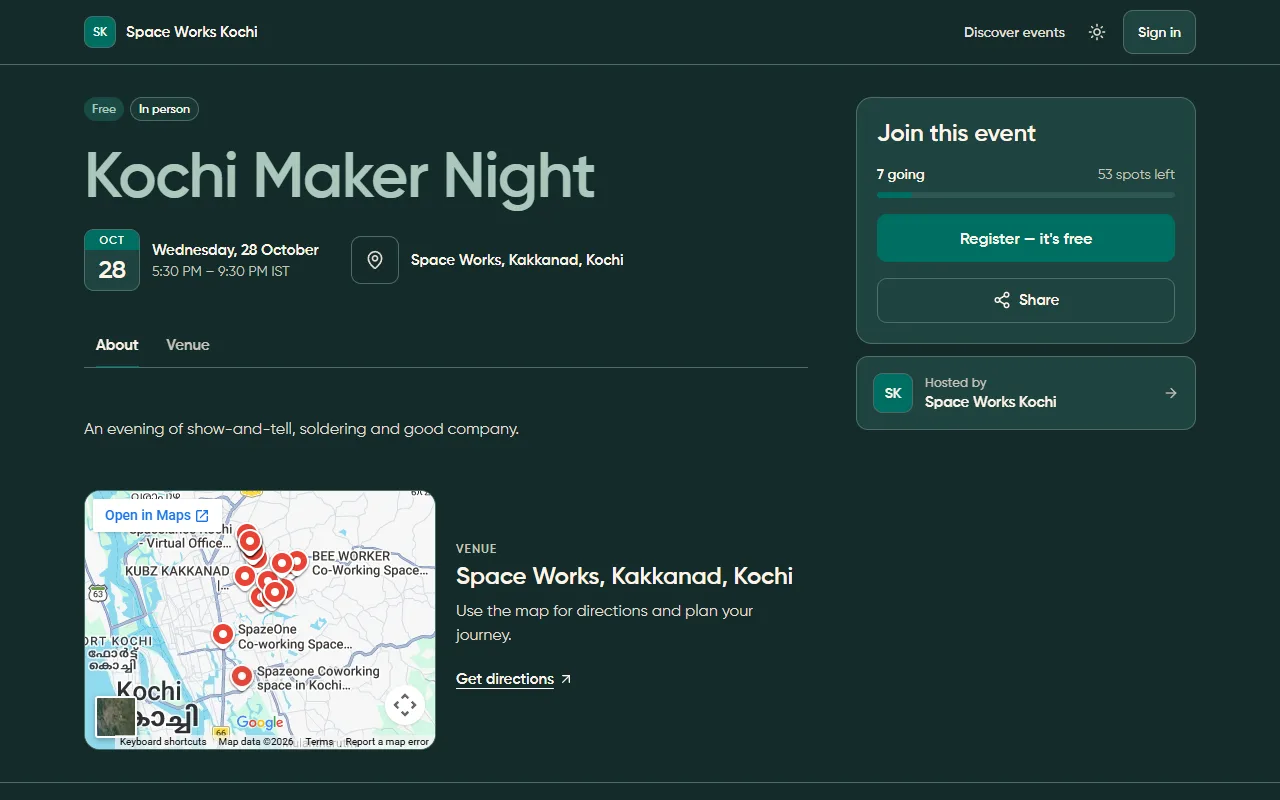
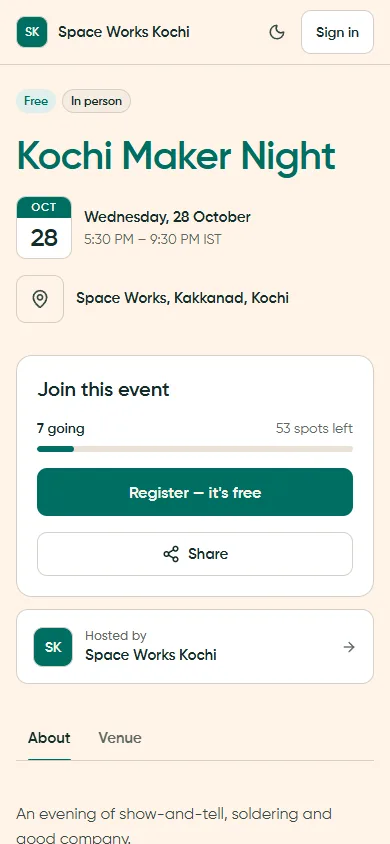
Public pages (P25)
Section titled “Public pages (P25)”Public pages use the organisation’s identity and a sticky card with the one action that matters.
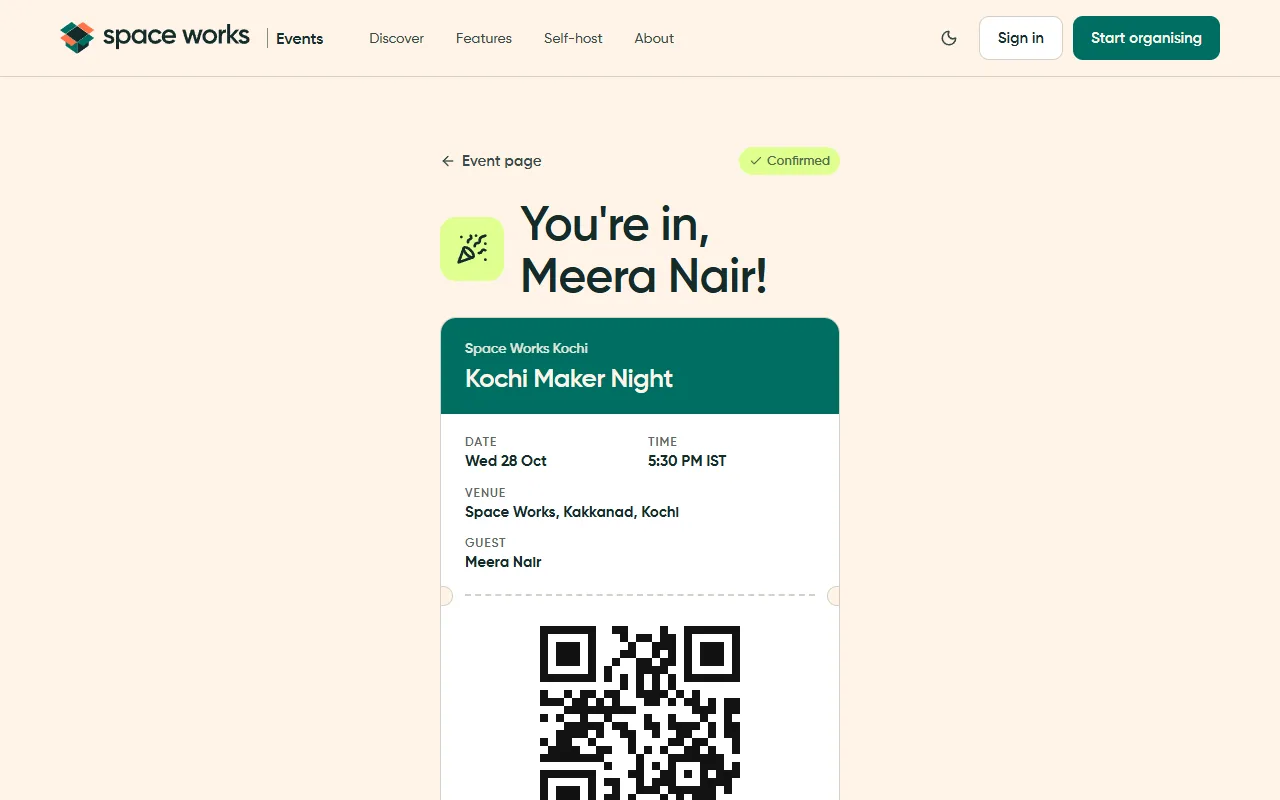
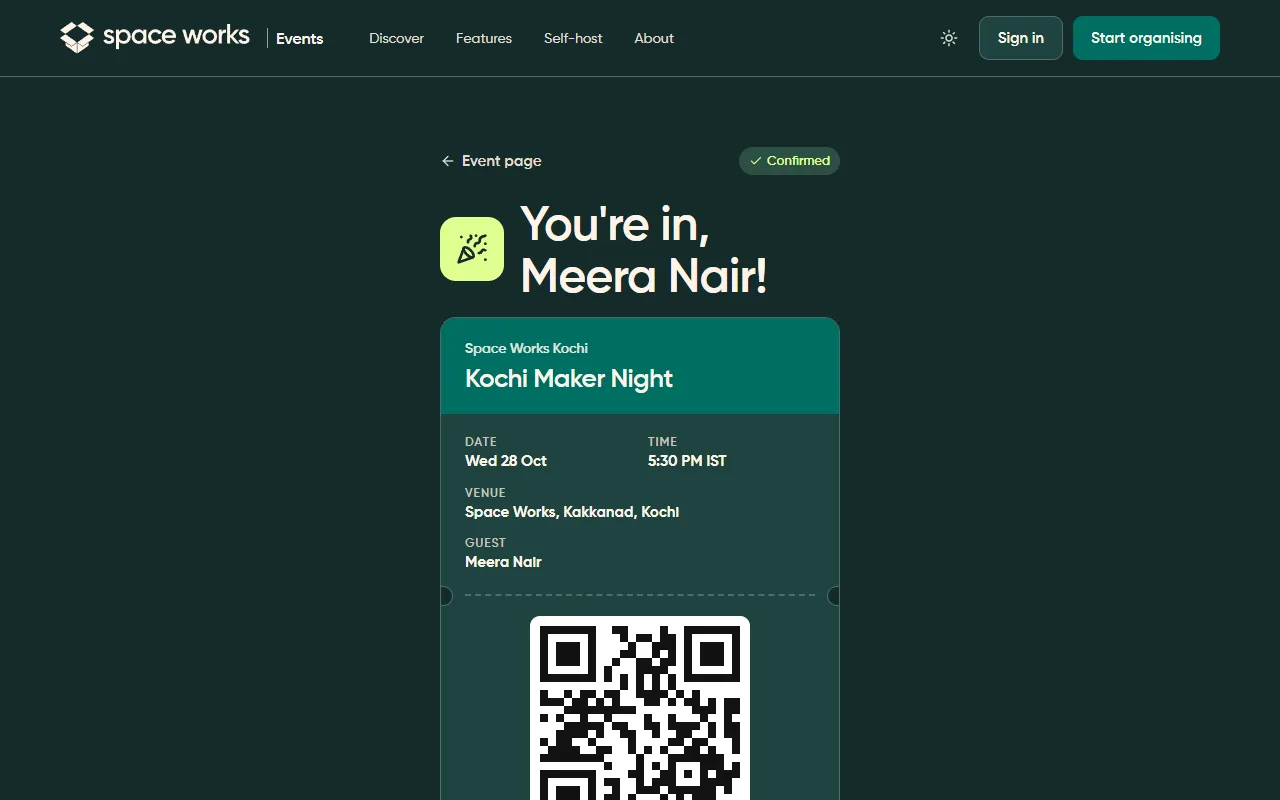
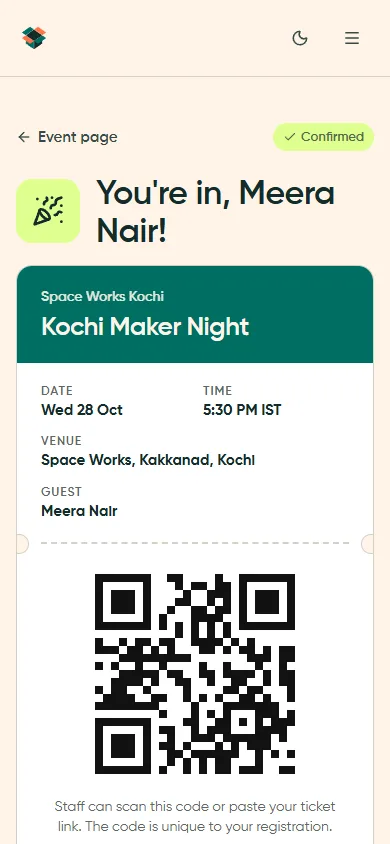
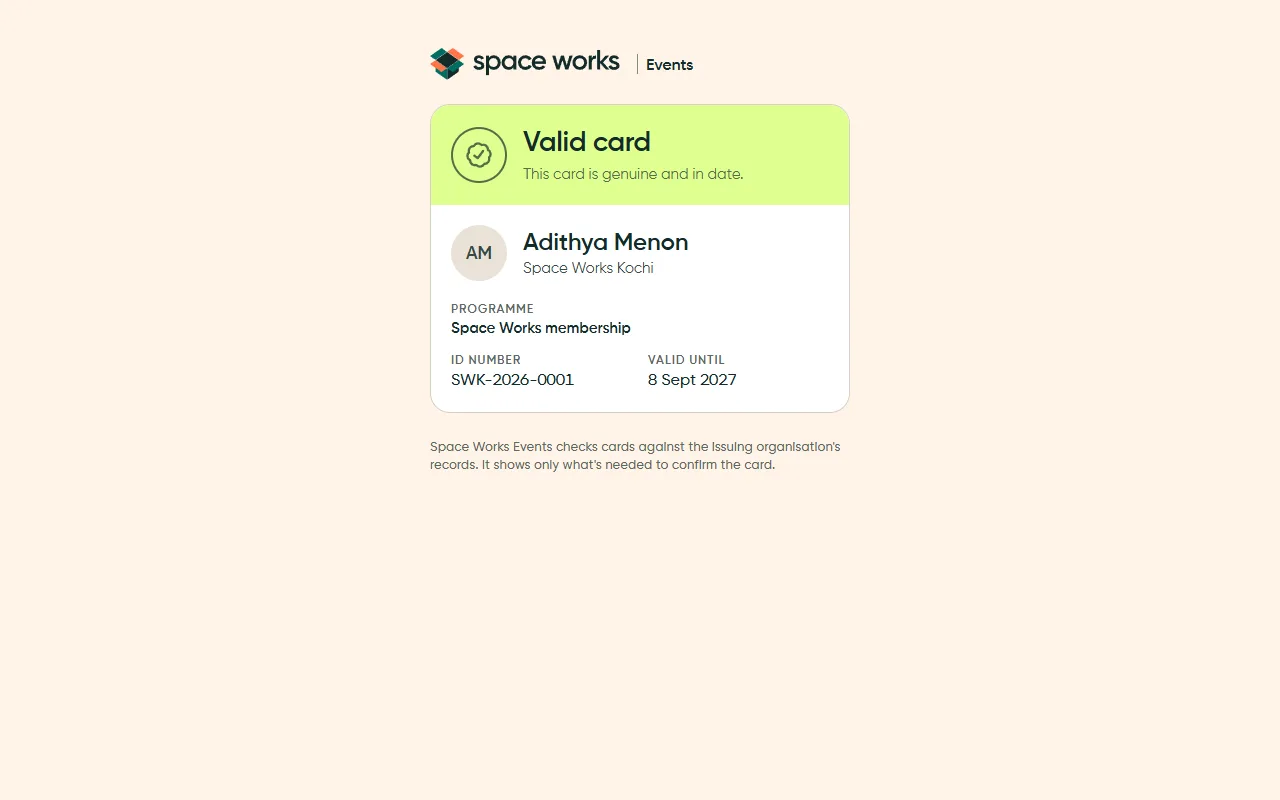
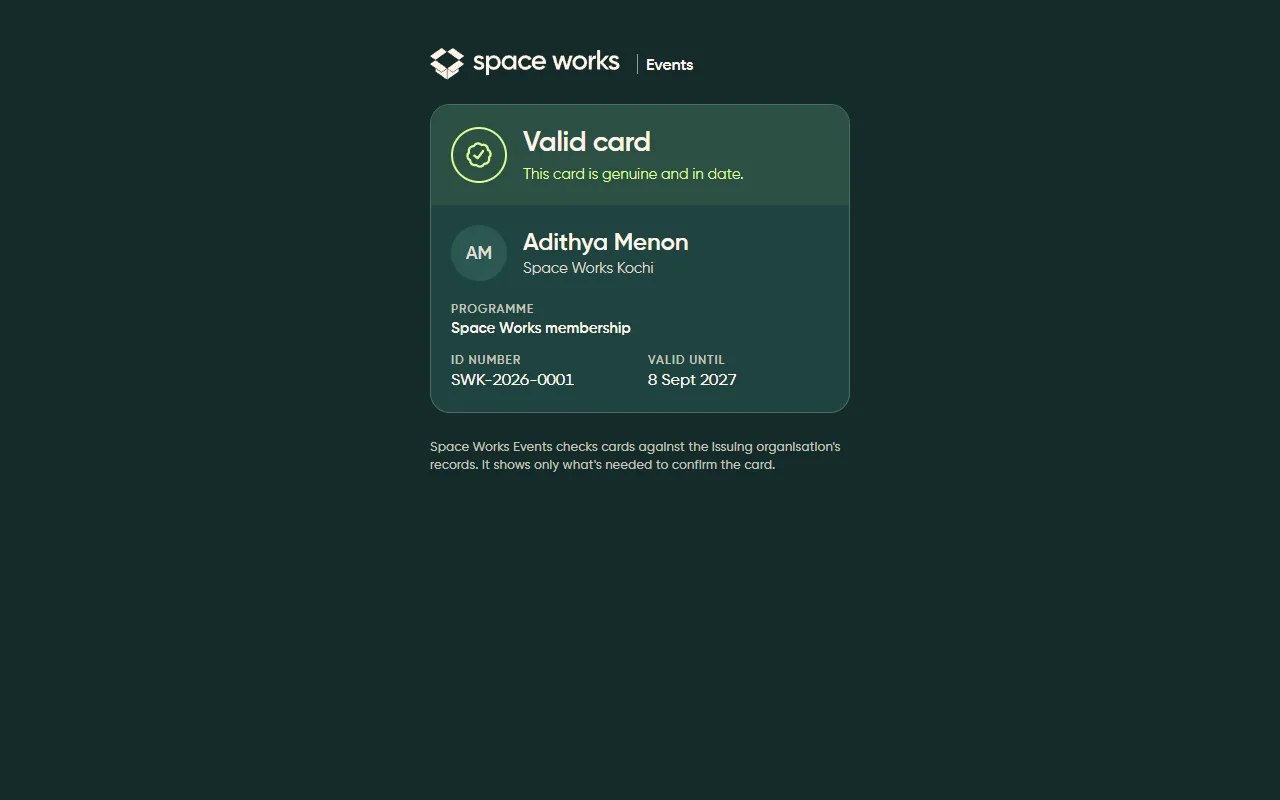
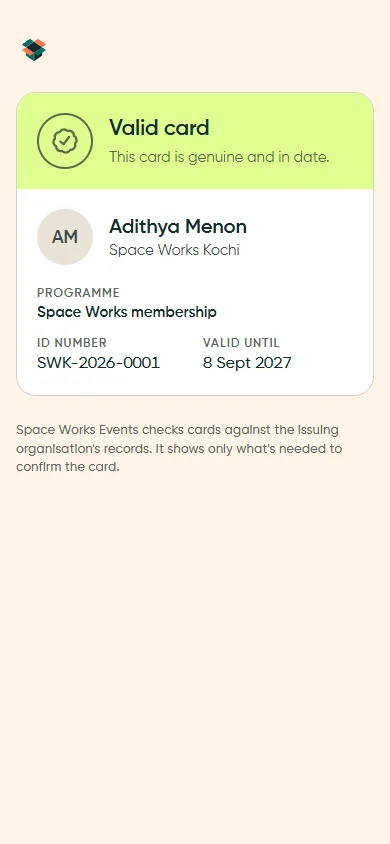
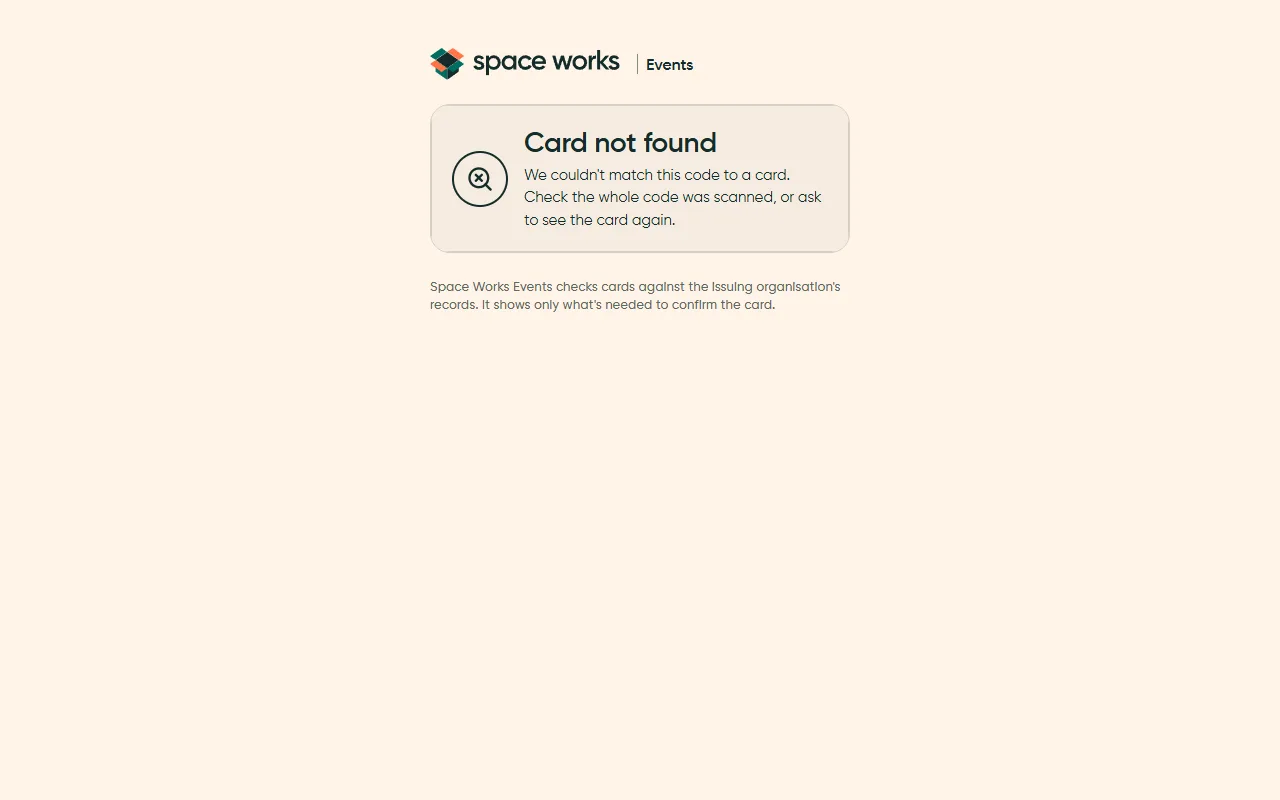
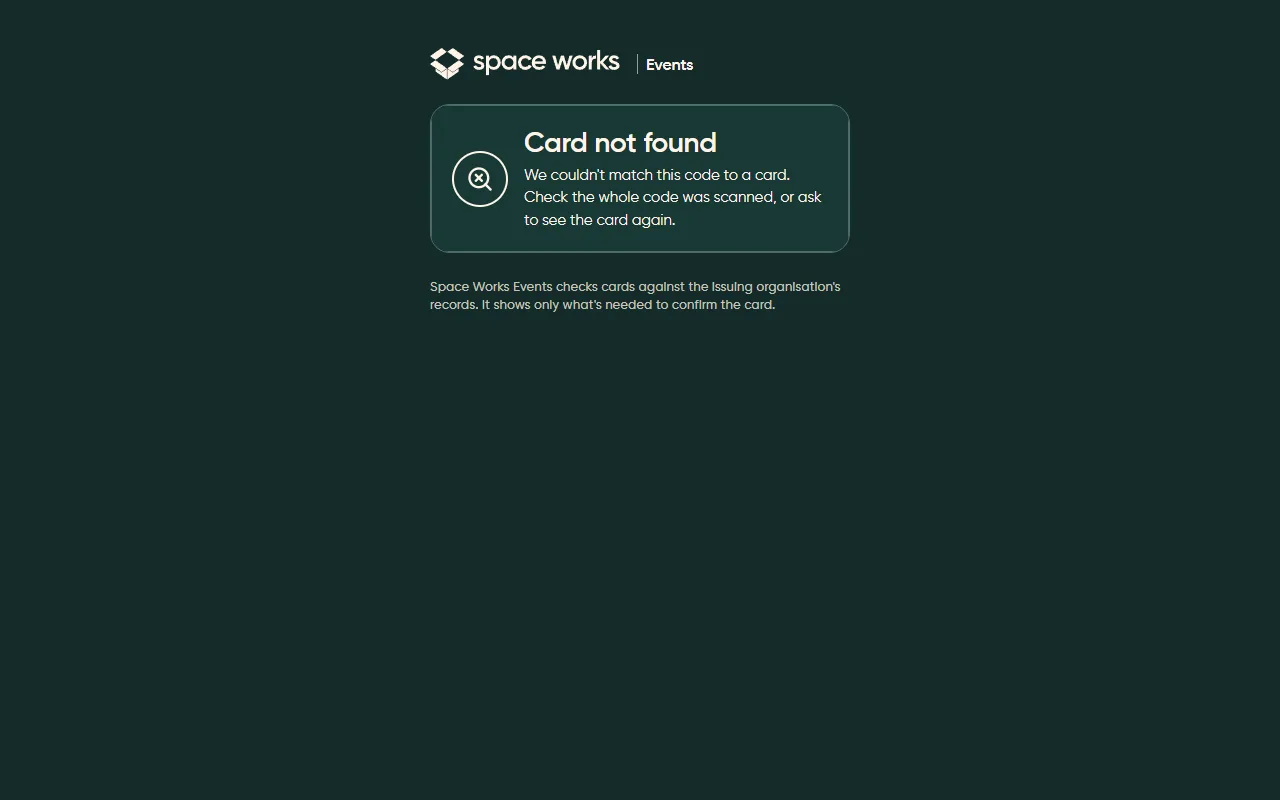
Mobile ticket and card checks (P27)
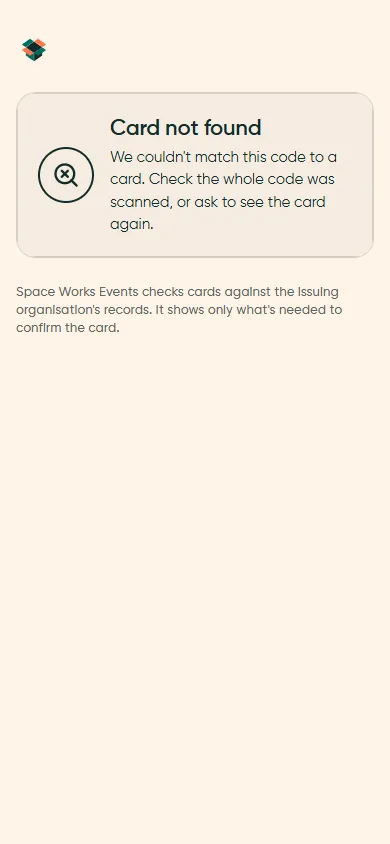
Section titled “Mobile ticket and card checks (P27)”Things people show at a door are built for a phone first: large type, high contrast and a clear state.