

One clear next step
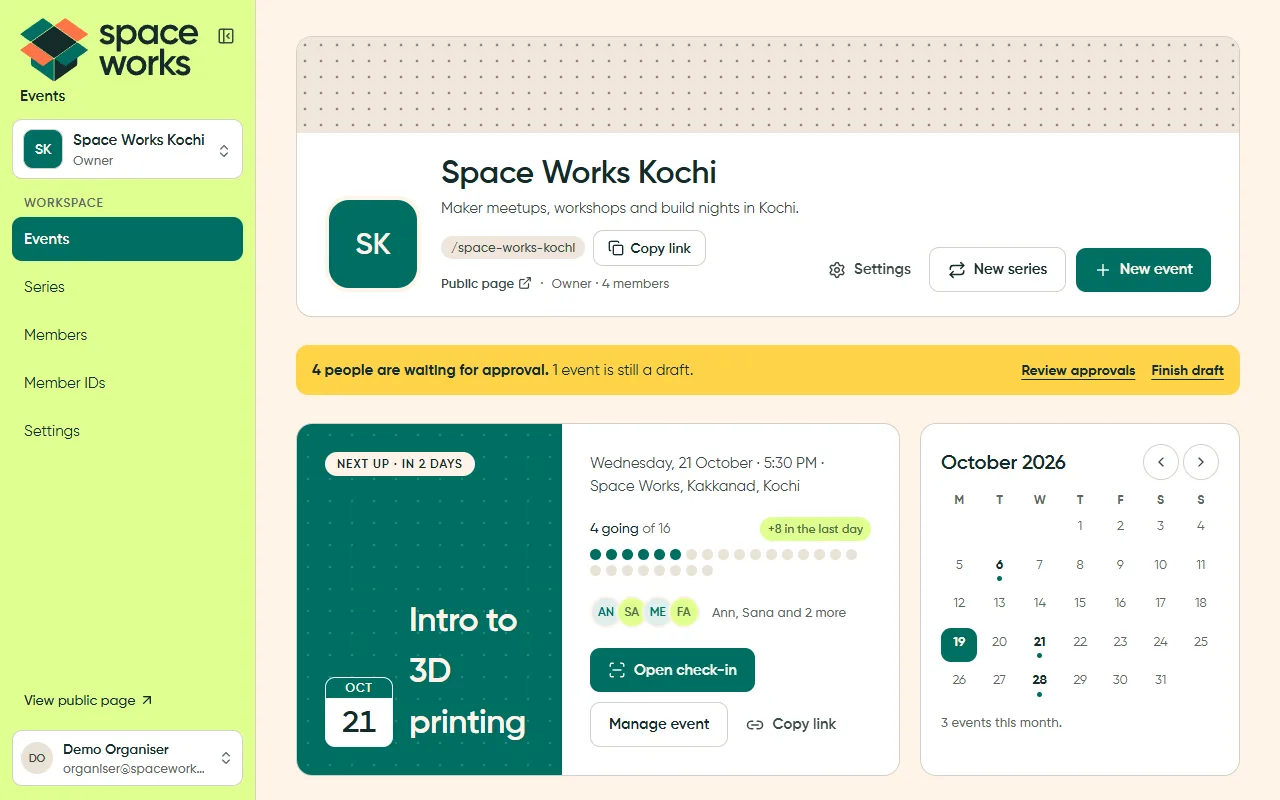
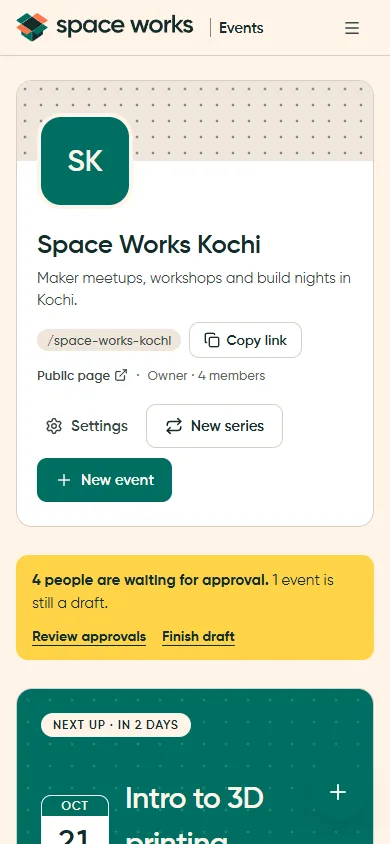
One filled primary action per page header, sticky card or callout. Everything else is an outline pill, a text link or a row menu.
Space Works UX sets how every Space Works screen works: where things go, how you move between them, and what happens when you act. The brand decides how a screen looks. Space Works UX decides how it behaves.
One clear next step
One filled primary action per page header, sticky card or callout. Everything else is an outline pill, a text link or a row menu.
Calm workspace, warm public face
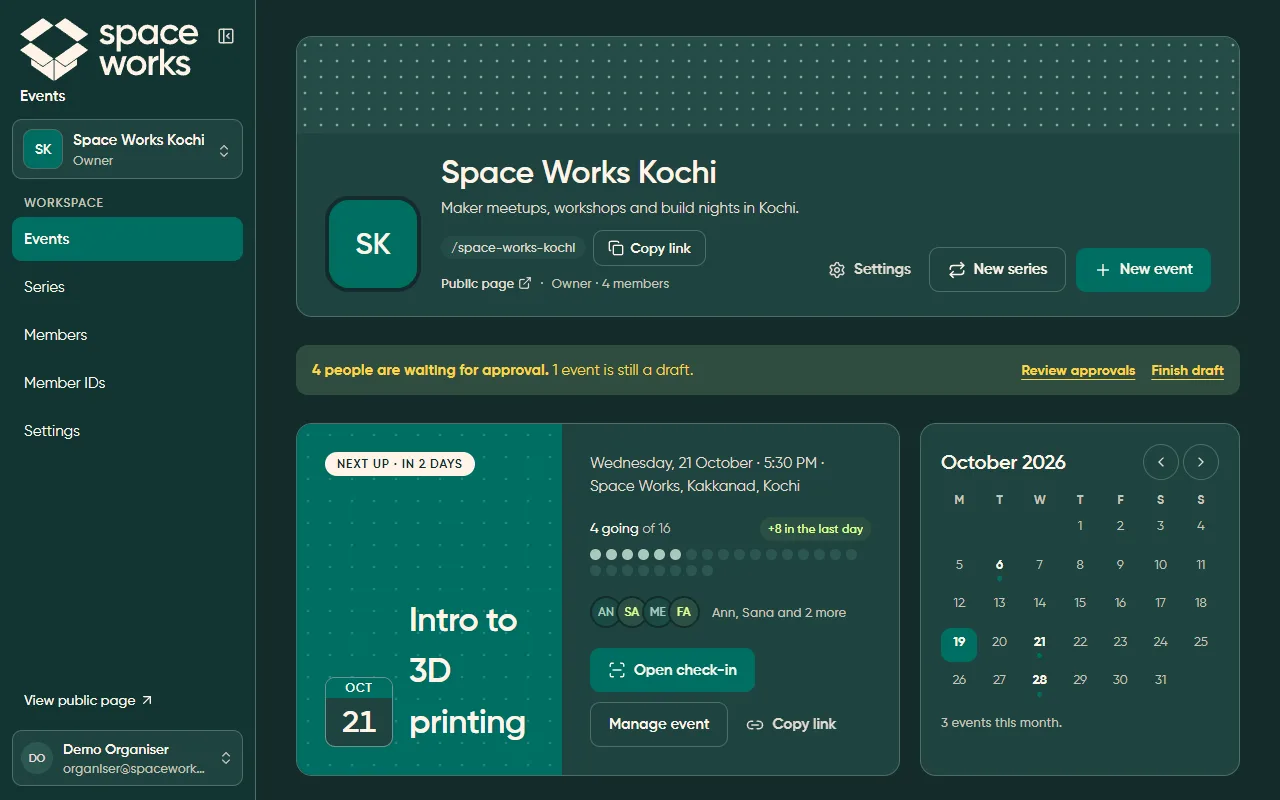
Staff and manager screens stay quiet: cream canvas, white panels, hairlines, no shadows. Public pages get one bold moment.
Do it now, offer Undo
Reversible actions happen straight away and offer Undo in place. Irreversible ones live in a danger zone, behind a button that ends in “…” and a confirmation.
Counts where you look
Numbers live on stat cards, tab labels and row slots, so the queue that needs you is never hidden.
Empty states name the next step
“No parts added yet. Add your first item.” An empty list always says what to do, and says something different when a filter hides everything.
Everyone can use it
44 px targets, a visible focus ring, one h1 per page, a skip link, and tabs that are real URLs.
AppShell,
DashboardLayout, ListLayout, DetailLayout, SettingsLayout, FormPageLayout, FlowLayout,
AuthLayout / CenteredCardLayout, PublicLayout / PublicDetailLayout and KioskLayout.Space Works UX is our own. It was inspired by Yuyu, whose screens we studied as reference boards (R1–R28 in the spec) and then adapted for Space Works: bigger tables, guided flows, payments, kiosks and many roles. The visual identity comes only from the Space Works brand guidelines. See Inspired by Yuyu and Credits and licences.